Operation 81
FalconV User Manual - Standard Scanning - OPEX Corporation
Note: CertainScan also retains the options of single-batch-only suspension
and of disabling batch suspension entirely.
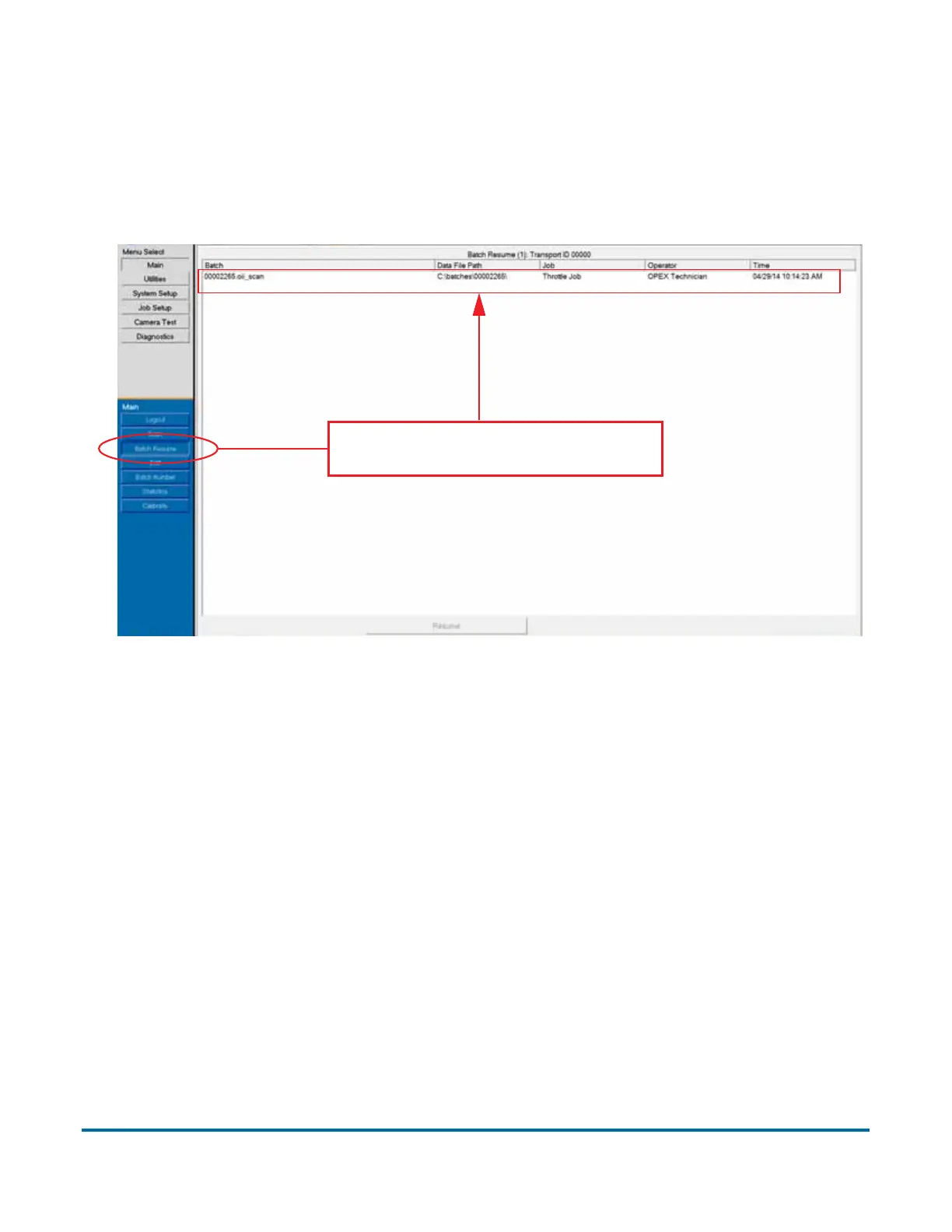
You can view a list of suspended batches by clicking the Batch Resume button
from the Main Menu. From here you can select the desired batch and resume
scanning.
Figure 23: Batch Resume window
Closing/Starting a batch and exiting the job
When you have finished scanning items in a batch, press Stop to turn off the
motors. Select Close and select Yes, close Batch to the “Close Batch?” prompt.
Next you can either select Go to start a new batch or select Exit to exit the job
run screen and return to the Main job select screen.
Clicking Batch Resume shows a
list of any suspended batches.



 To Next Page