92 Operation
FalconV User Manual - Standard Scanning - OPEX Corporation
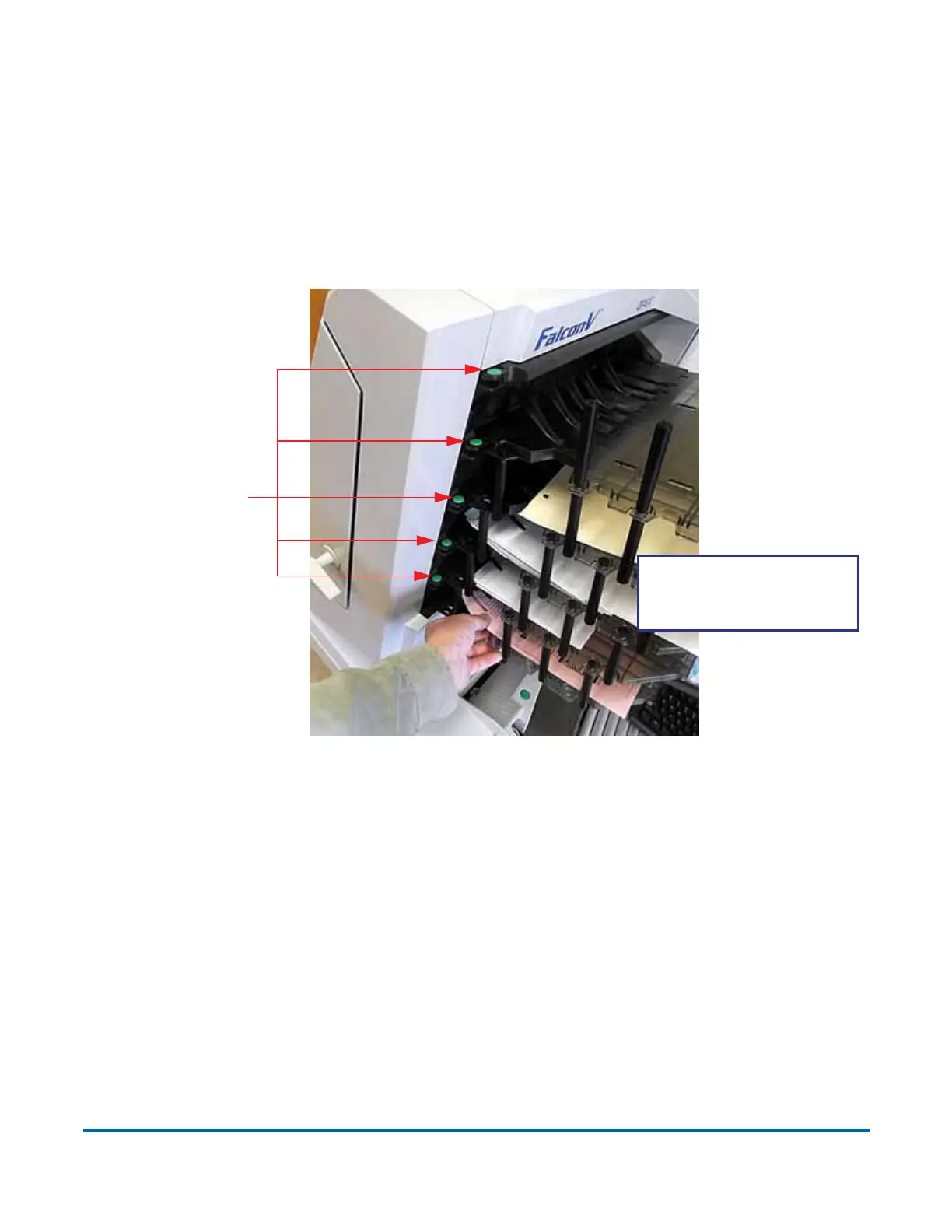
Clearing the bins
When removing the paper from the output bins, pull the item from the side of
the bins. The bins have been designed to allow access to the smallest of
pages. Pressing the green release buttons (one for each bin) will lift the knock-
down tabs (the top fingers), which are designed to easily re-insert a item that
may have jammed in the transport or stacker section.
Remove paper from
the side of the bins.
Press to lift
knock-down
tabs



 To Next Page