Operation 69
FalconV User Manual - Standard Scanning - OPEX Corporation
Adjust image quality, alternate track speed, and alternate DPI
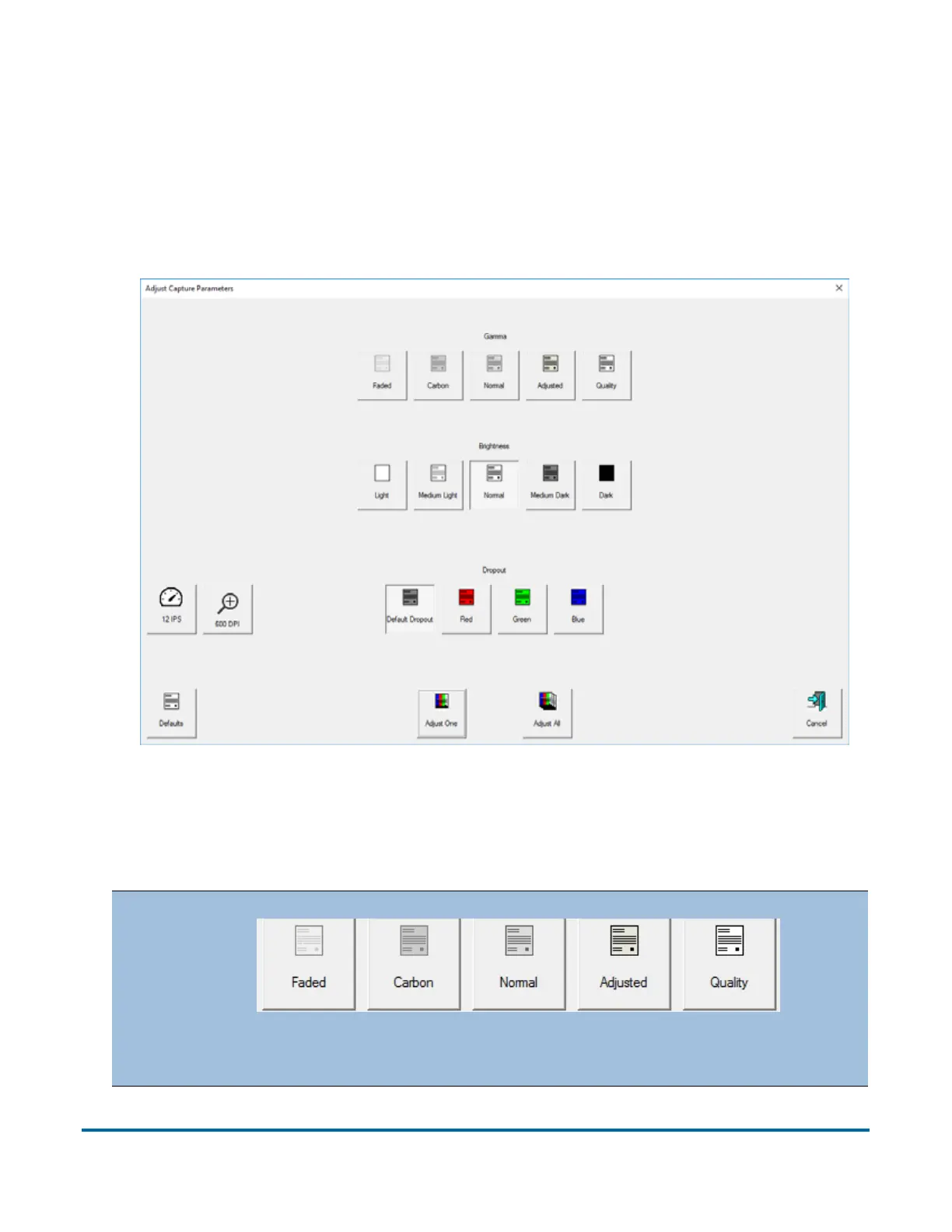
Fine tune the quality of the item images by pressing Adjust on the Run screen.
The Adjust Capture Parameters screen will appear, where you can modify the
gamma, brightness and dropout colors for all or one image. Additional toggle
buttons may appear on this screen based on the job setup, allowing you to
switch to an alternate track speed and alternate image resolution output.
Figure 18: Adjust Capture Parameters screen
Table 6: Adjust Capture Parameters screen buttons
Gamma
When enabled, the Gamma buttons allow you to adjust the
balance between bright and dark areas of the image.



 To Next Page