68 Operation
FalconV User Manual - Standard Scanning - OPEX Corporation
Assigning page sub-types
If one or more of the page types in your job contains sub-types, you must
assign the item a sub-type before scanning it into the system. Page Sub-Types
must be enabled in the General Page Type Parameters in order for this feature
to appear.
To assign a page sub-type:
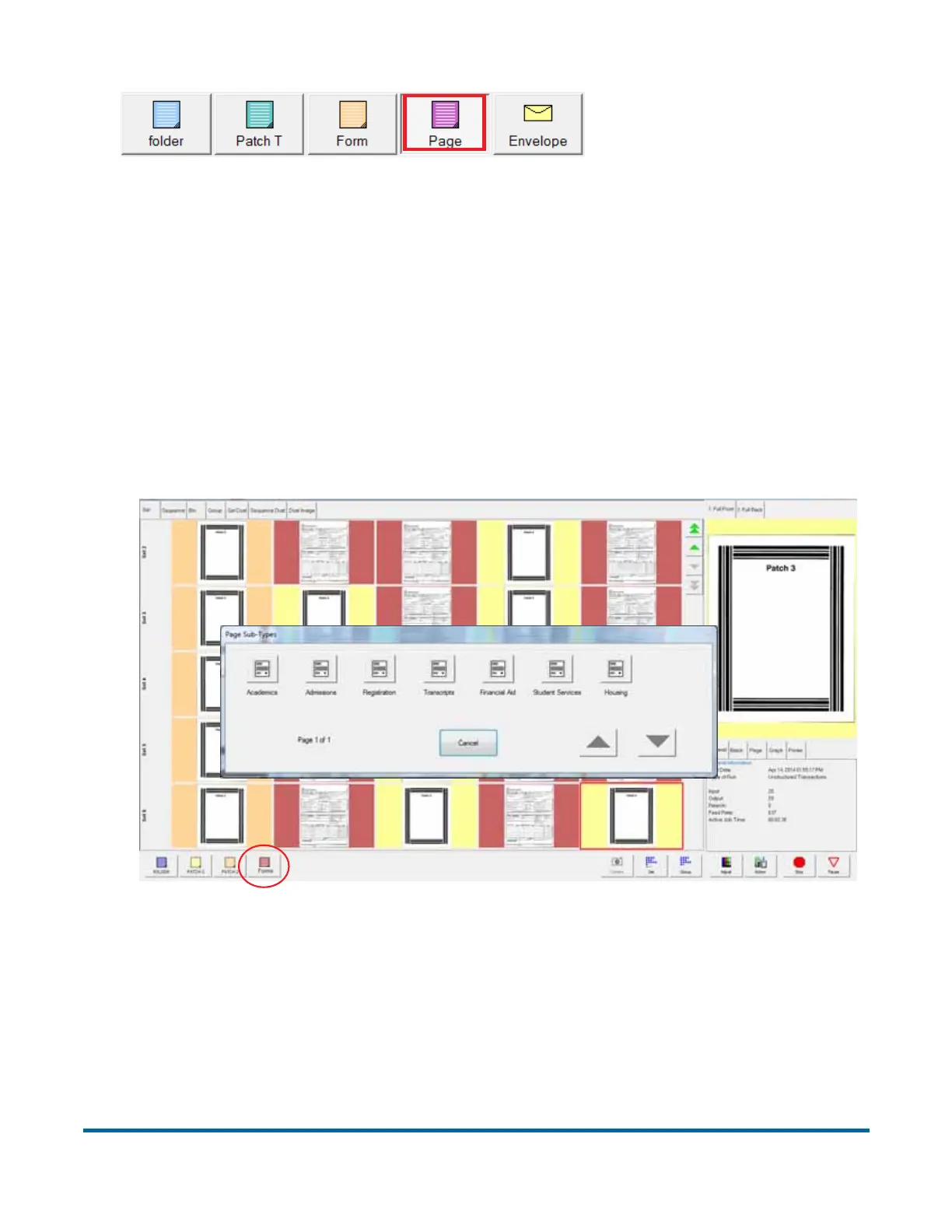
1 While running a job, press the appropriate page type button. For example, if
you are scanning forms into the system, press the Forms page type button
(see Figure 17).
Figure 17: Assigning a page sub-type
2 Select from the available page sub-types.
3 Scan the item.
A red box around a page
type button indicates
that the lock is in place.



 To Next Page