Operation 33
FalconV User Manual - Standard Scanning - OPEX Corporation
Thumbnail view tabs
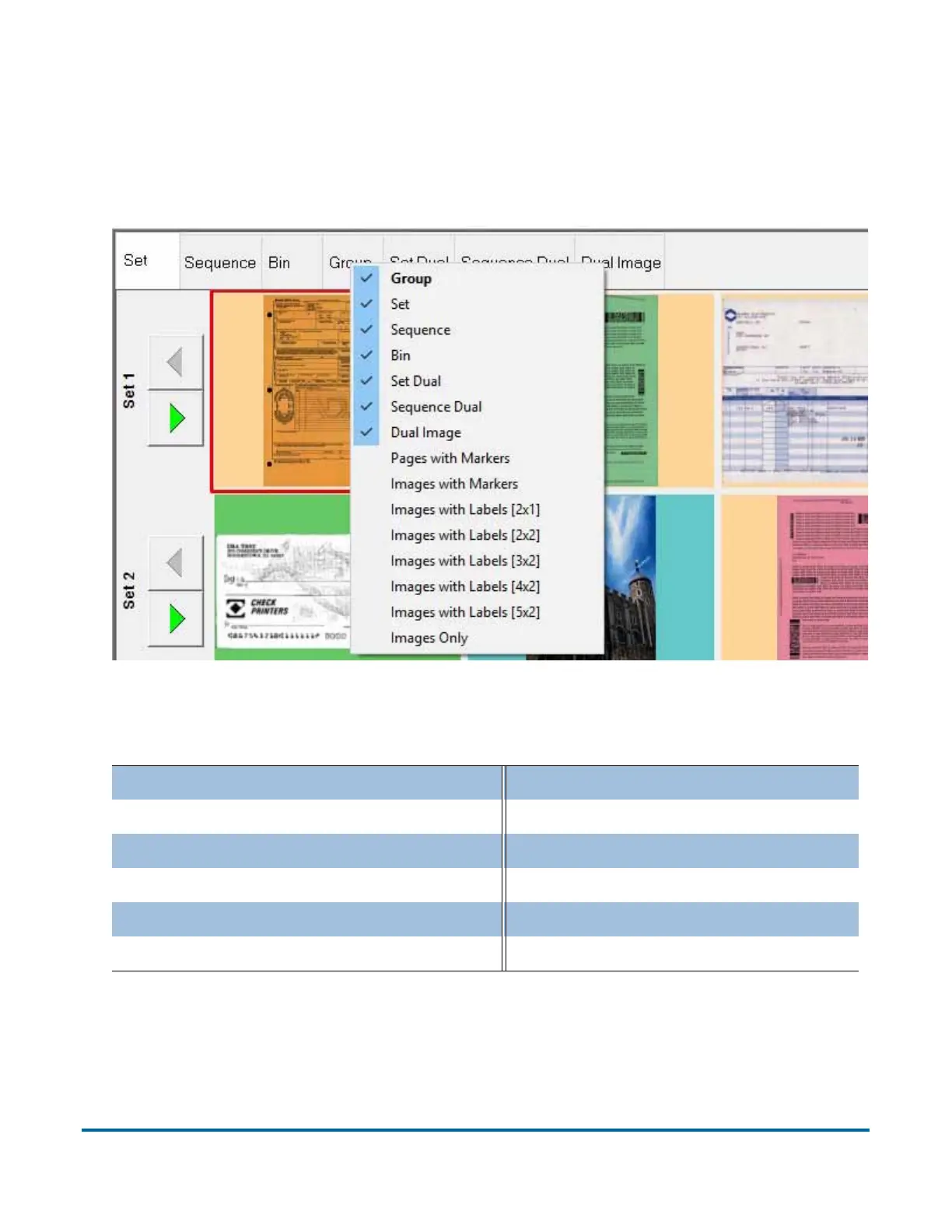
You can choose which thumbnail view tabs to display on the screen by right-
clicking anywhere on the top bar of the Thumbnail view pane and selecting a
desired view tab from the menu (Figure 7).
Figure 7: View tab display menu
Use the tabs to arrange thumbnails in one of many available configurations:
Set (see page 34) Dual Image (see page 40)
Scan sequence (see page 35) Pages with Markers (see page 41)
Bin piece was sorted to (see page 36) Images with Markers (see page 42)
Group (see page 37) Images with Labels (see page 43)
Set Dual (see page 40) Images Only (see page 44)
Sequence Dual (see page 40)



 To Next Page