Operation 23
FalconV User Manual - Standard Scanning - OPEX Corporation
Navigating the FalconV CertainScan software
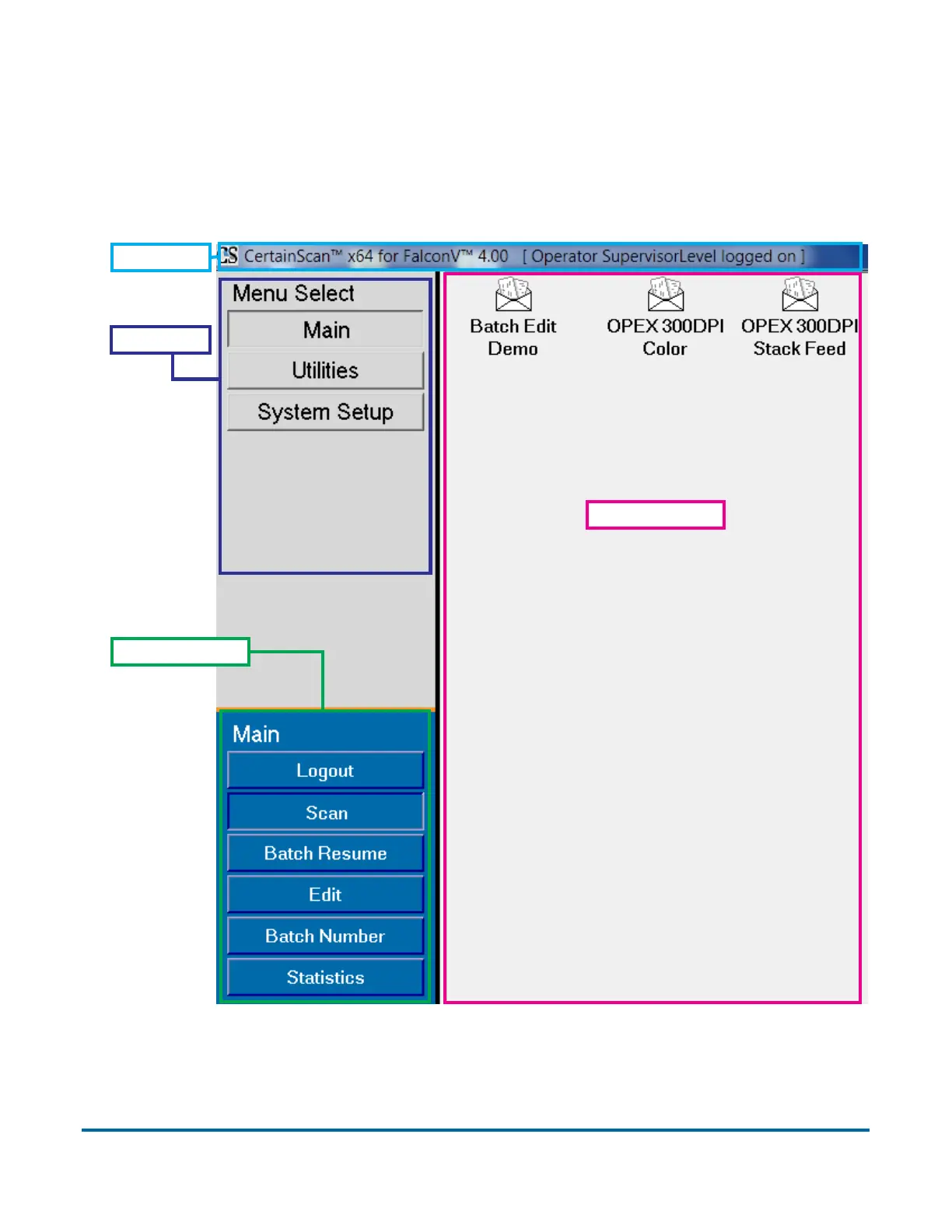
Once logged in, you are presented with the Menu Select window in which you
can begin using the features of CertainScan software. The list of menus
presented is determined by the user’s account-level permissions.
See descriptions of the above items on the following page.
Title bar
Menu bar
Menu options
Main window



 To Next Page