Operation 25
FalconV User Manual - Standard Scanning - OPEX Corporation
Running Jobs
Now that you have logged into the system and taken some time to familiarize
yourself with the main controls and components, you are ready to begin
operating the machine. This section will give you a general outline of how to
use the CertainScan software to process items.
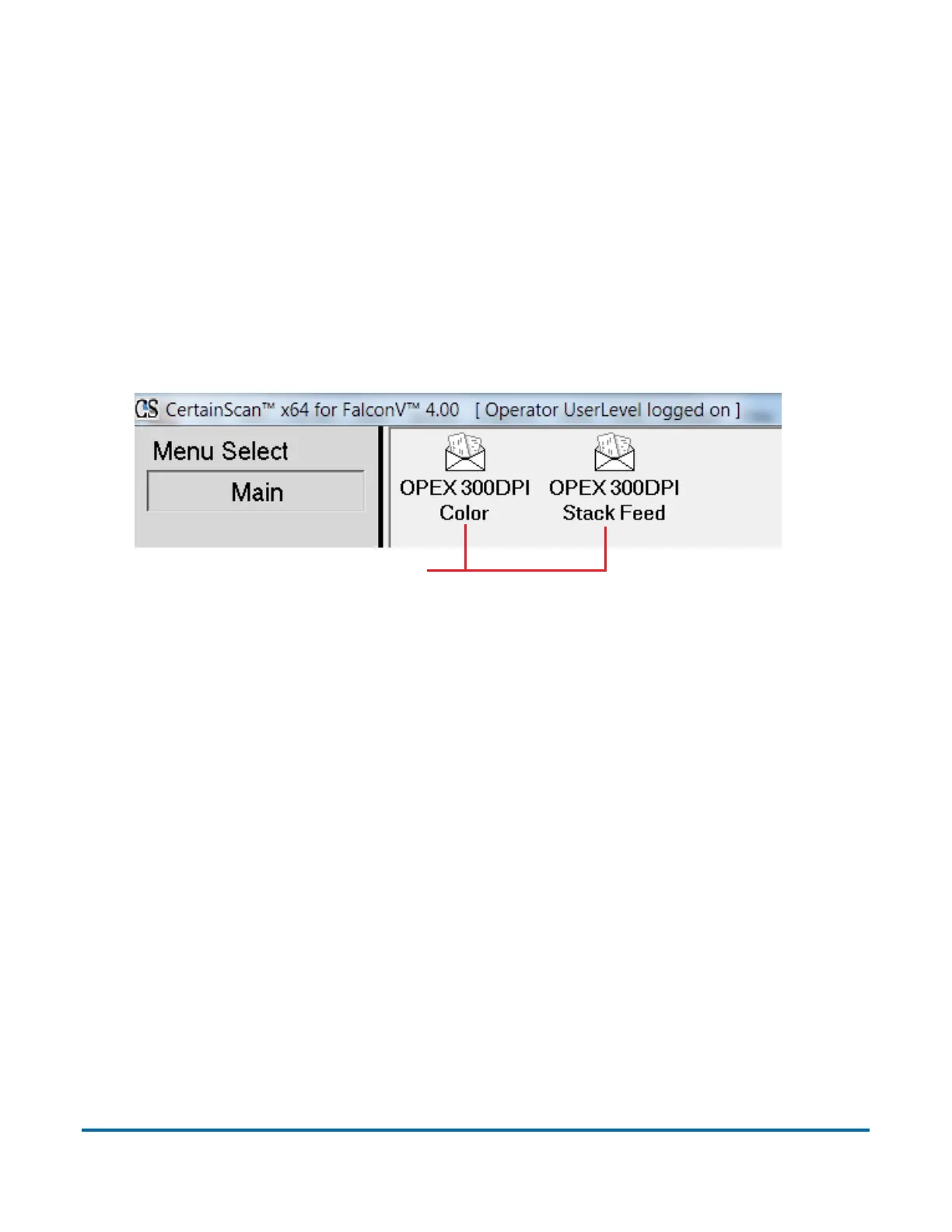
Select a job:
1 Select Main in the menu bar.
2 Click the icon for the job you want to run.
Figure 4: Main Screen
Note: The jobs you see may be different than those shown in Figure 4.
Depending on how the job is set up, you will either see the Run screen (see
page 26), the Modify Batch Information screen (see page 31), or a prompt in
which the operator can enter a custom batch name (see page 32).
Job icons



 To Next Page