32 Operation
FalconV User Manual - Standard Scanning - OPEX Corporation
Flexible Batch Naming
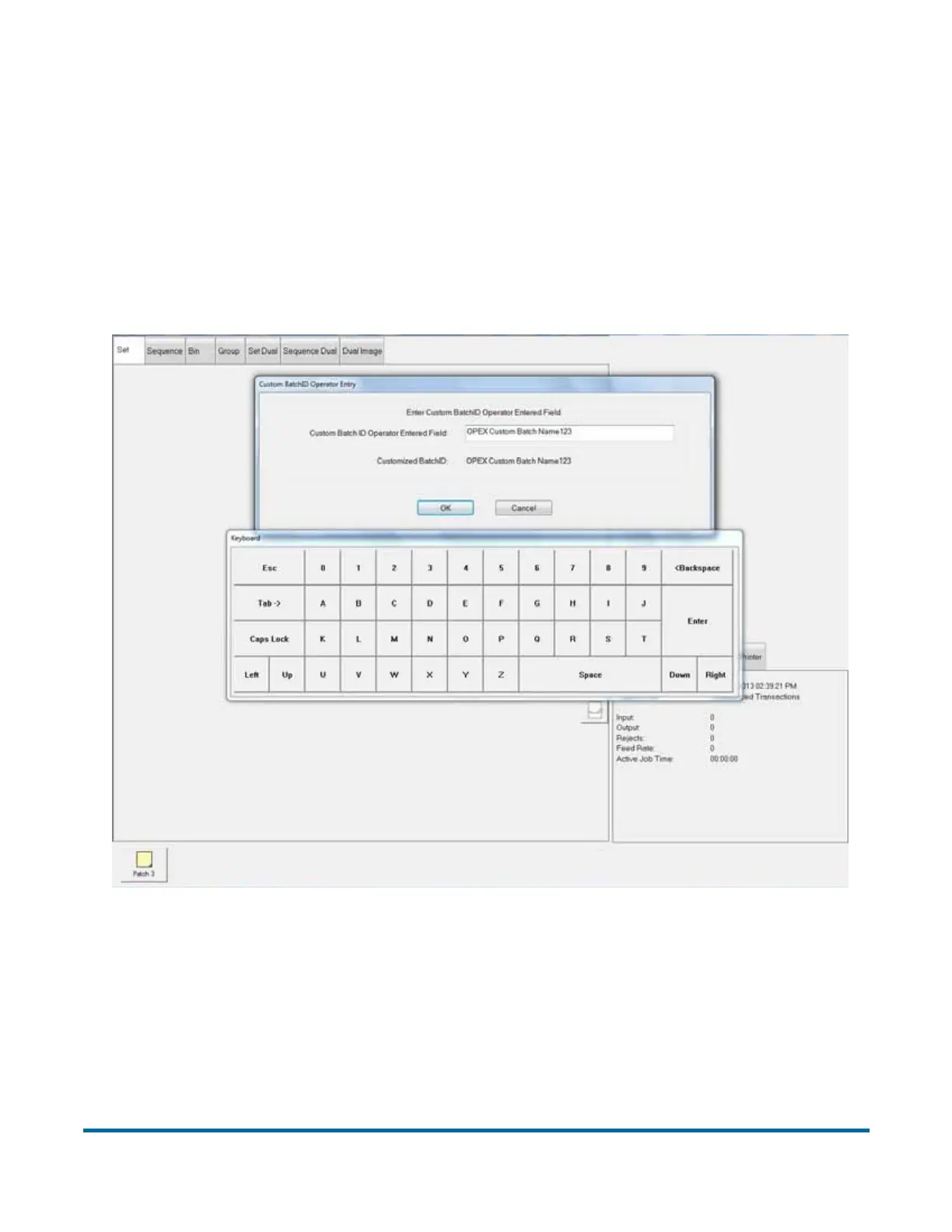
This feature allows you to place a prompt at the start of a new batch, in which
operators can enter a custom batch name. The name can be manually typed in
using the keyboard or touch-screen keypad, or scanned in from a barcode
scanner (from a box or lot number, for example).
Note: File names must be Microsoft Windows-compatible. That is, the file
names cannot contain the following characters:
" / \ [ ] : ; | = , + * ? < > .
Setup for this feature is described in the CertainScan Advanced Features
Manual.



 To Next Page