Operation 31
FalconV User Manual - Standard Scanning - OPEX Corporation
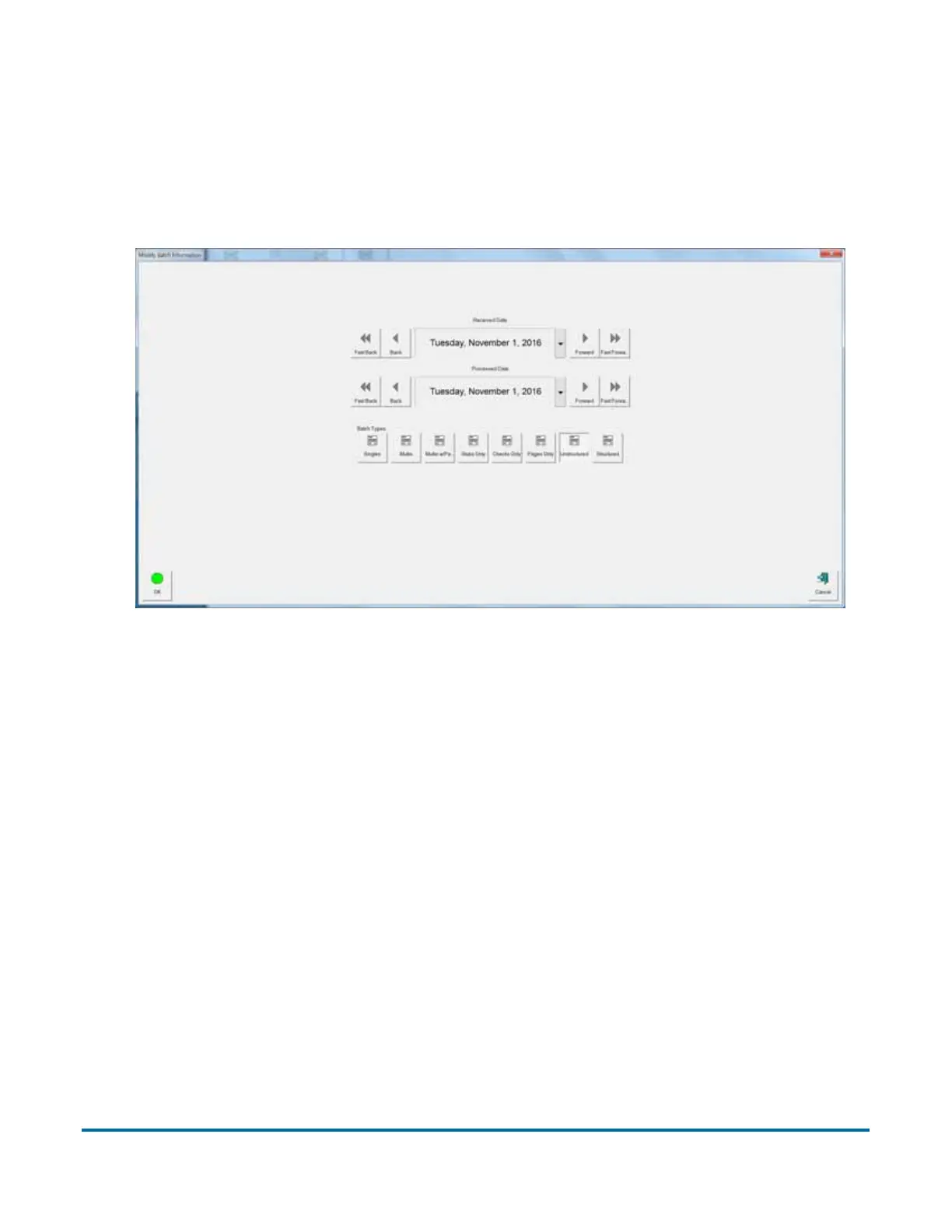
About the Modify Batch Information screen
The Modify Batch Information screen (Figure 6) can be enabled to appear at
the beginning of a job to prompt the operator to enter batch information such as
“processed” and/or “received” dates as well as select a “Batch Type” before
starting a new job.
Figure 6: Batch Information screen



 To Next Page