Operation 83
FalconV User Manual - Standard Scanning - OPEX Corporation
Internal Batch Editor
There is an internal Batch Editor that was introduced in an earlier CertainScan
software version. It should not be confused with the robust, separate Batch
Edit application introduced with CertainScan 3.0. The internal editor is typically
used to recover batches after a crash. Refer to the “CertainScan Edit” software
manual for complete information regarding the new application.
Using Batch Editor to fix incomplete batches
If there is a problem with the machine and/or CertainScan does not close
properly during a run, a batch may not be closed and saved properly. If this is
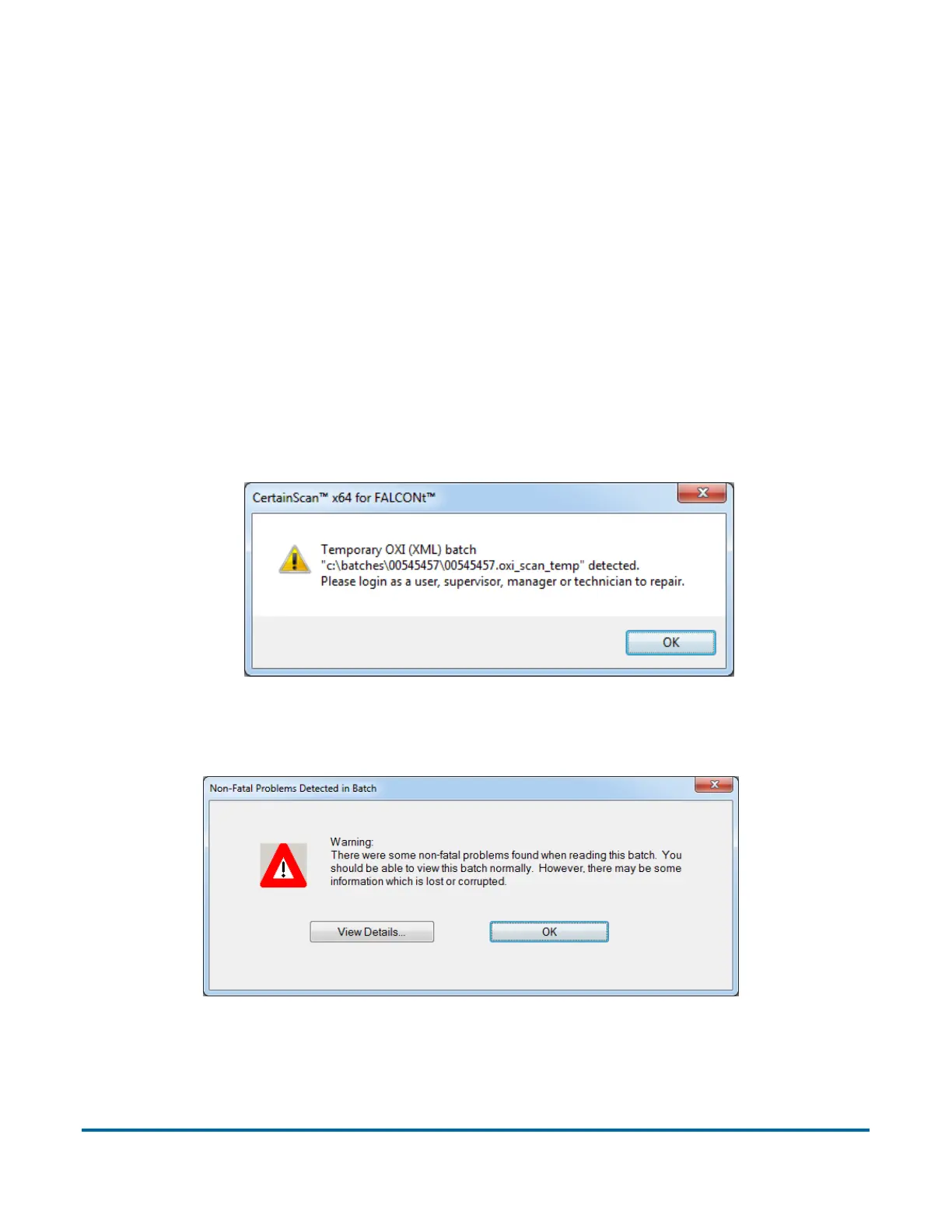
the case, you will be notified that a temporary batch file exists when restarting
CertainScan.
Click the OK button to continue, and log into the system.
After logging in, the following message will appear:
Figure 25: Non Fatal Problems Detected in Batch - error message
Click the OK button to continue.



 To Next Page