64 Operation
FalconV User Manual - Standard Scanning - OPEX Corporation
Skew
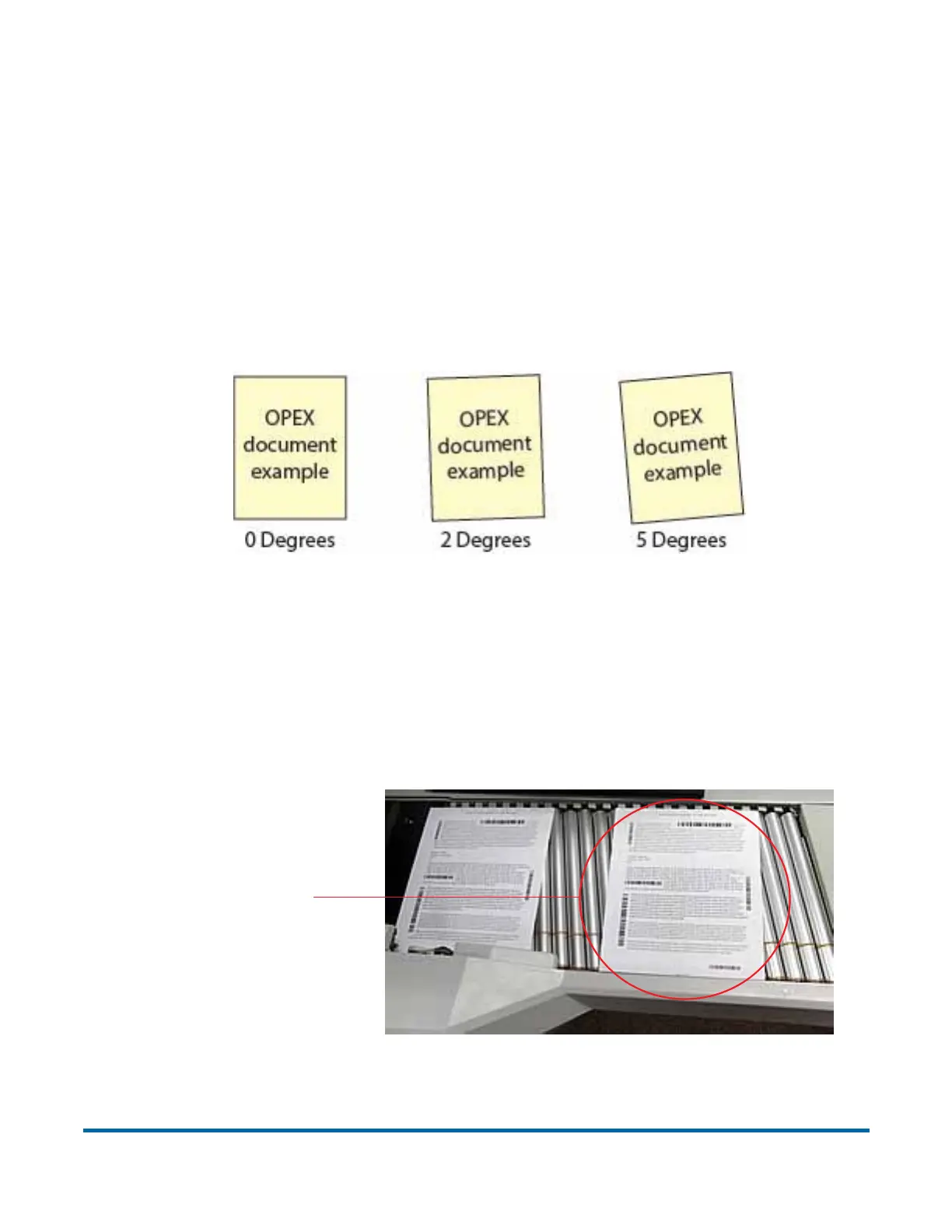
Skew is a term used to identify when an item is misaligned when scanned.
Typically, a skewed item prevents the scanned image from being read
properly.
Item skew is determined by the angle in which an item enters the scanner. The
angle is calculated by a set of LED transmit and receive parts that detect when
one sensor is uncovered for a while. If the angle is greater than 2 degrees, then
the system will jam for “too skewed”. If it jams for 5 degrees or more, contact
your Opex administrator.
Figure 13: Skew examples
To scan items into the system
After you have selected a job, you are ready to scan items.
1 Press Go on the Run screen.
2 Place the first item onto the conveyor as shown in Figure 14.
Figure 14: Ideal drop area
Drop items here



 To Next Page