20 Operation
FalconV User Manual - Standard Scanning - OPEX Corporation
Conveyor Angled roller system that edge justifies items before entering the
feeder.
Feeder The feeder uses a combination of electromechanical devices to
control how it will receive individual pieces or stacks, singulate them, and drive
them towards the scanner.
Rescan feeder A mechanism that allows the operator to feed (one at a time)
items into the machine which had been rejected or the auto-feeder is not able
to feed. See “About the Rescan Feeder” on page 73 for more details.
Audit trail front and back printers (option) The optional audit trail printers
are located behind the sort bins. Audit trails can be applied to the front and/or
back of each scanned item.
Rear graphics printer (option) In place of the standard rear audit trail
printer, this optional printer is capable of printing graphics such as signatures,
logos and Code 39 barcodes. Up to five different graphics can be sprayed.
Sort bins Scanned items are sorted into one of five programmable sort bins,
with an additional pass-through bin for sorting large or delicate items.
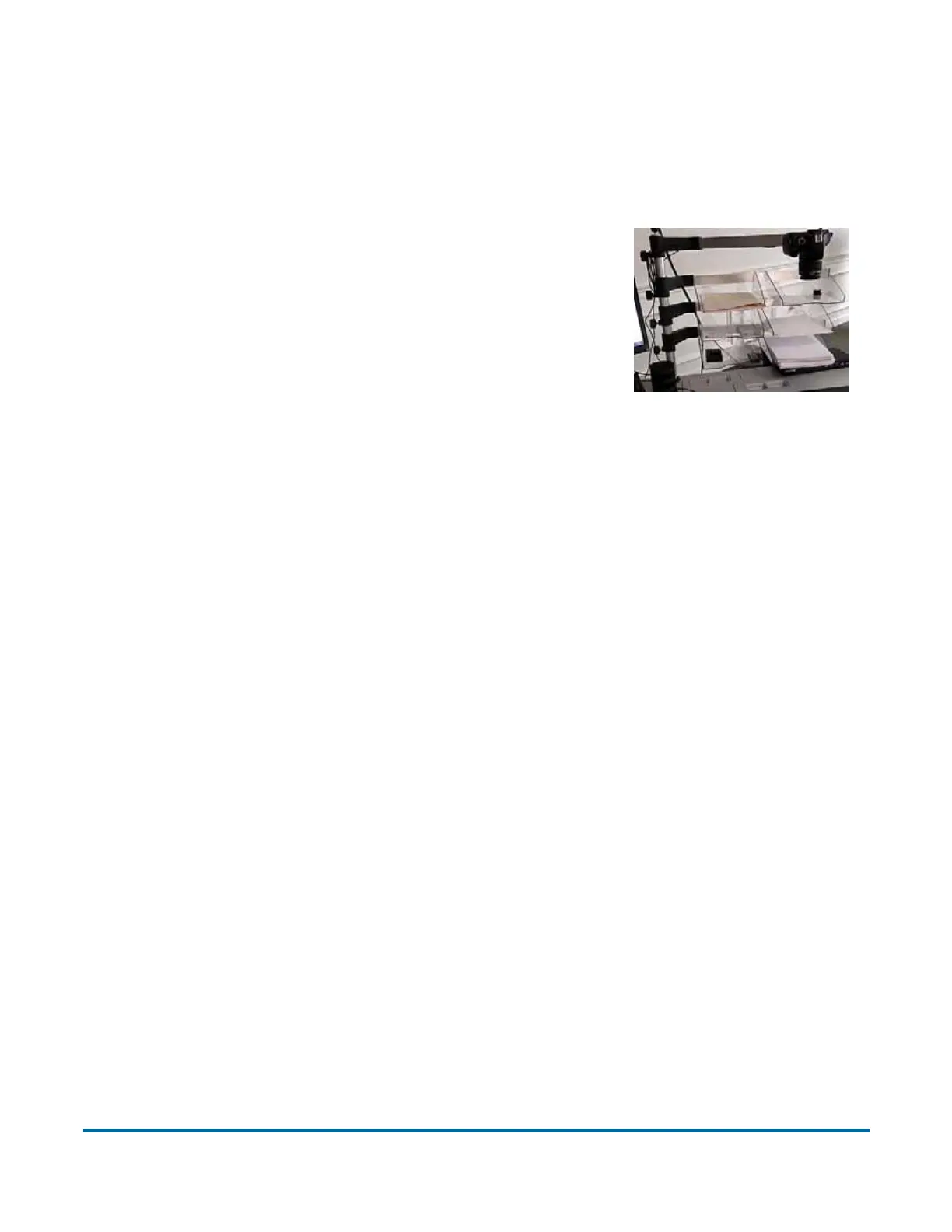
External Capture device (option) An optional
pole and mounting arm are available for a camera
which can be used to capture images of items
unable to be scanned by FalconV and inserted
directly into the batch.
The external capture feature can be used without
stopping the track. If the track is running when this
feature is used, CertainScan will automatically
pause the feeder. When the external camera
images have completed processing, the feeder will
resume running.
Note: The camera is not included in this option,
just the pole, mounting arm, and software
needed.



 To Next Page