Operation 49
FalconV User Manual - Standard Scanning - OPEX Corporation
Batch Hierarchy and Batch Images views
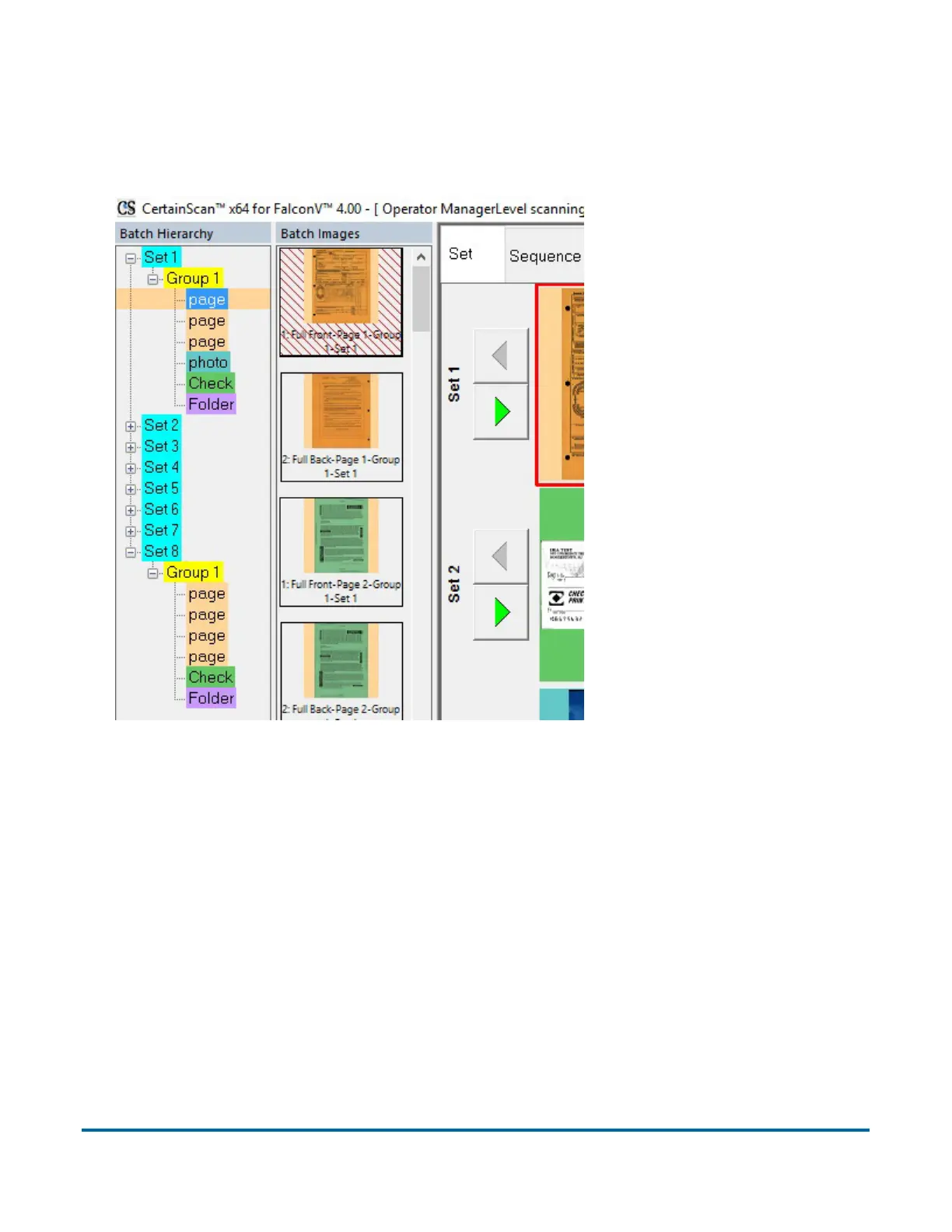
The Batch Hierarchy and Batch Images views (Figure 10) provide aides for
quickly navigating the batch.
Figure 10: Batch Hierarchy and Images
• Batch Hierarchy provides a condensed view of the overall batch structure,
showing the Set-Group relationship in a branched file tree format. Clicking
on any piece in the list will move the cursor to that piece and display the
appropriate metadata.
• Batch Images provides condensed views of all of the images in the batch.
Clicking on any of these images will move the cursor to that piece and
display the appropriate metadata. At the Manager level, this tab can be repo-
sitioned, so it could be appear at the top or bottom of the Run screen and
display images horizontally (Figure 11 on page 50).



 To Next Page