60 Operation
FalconV User Manual - Standard Scanning - OPEX Corporation
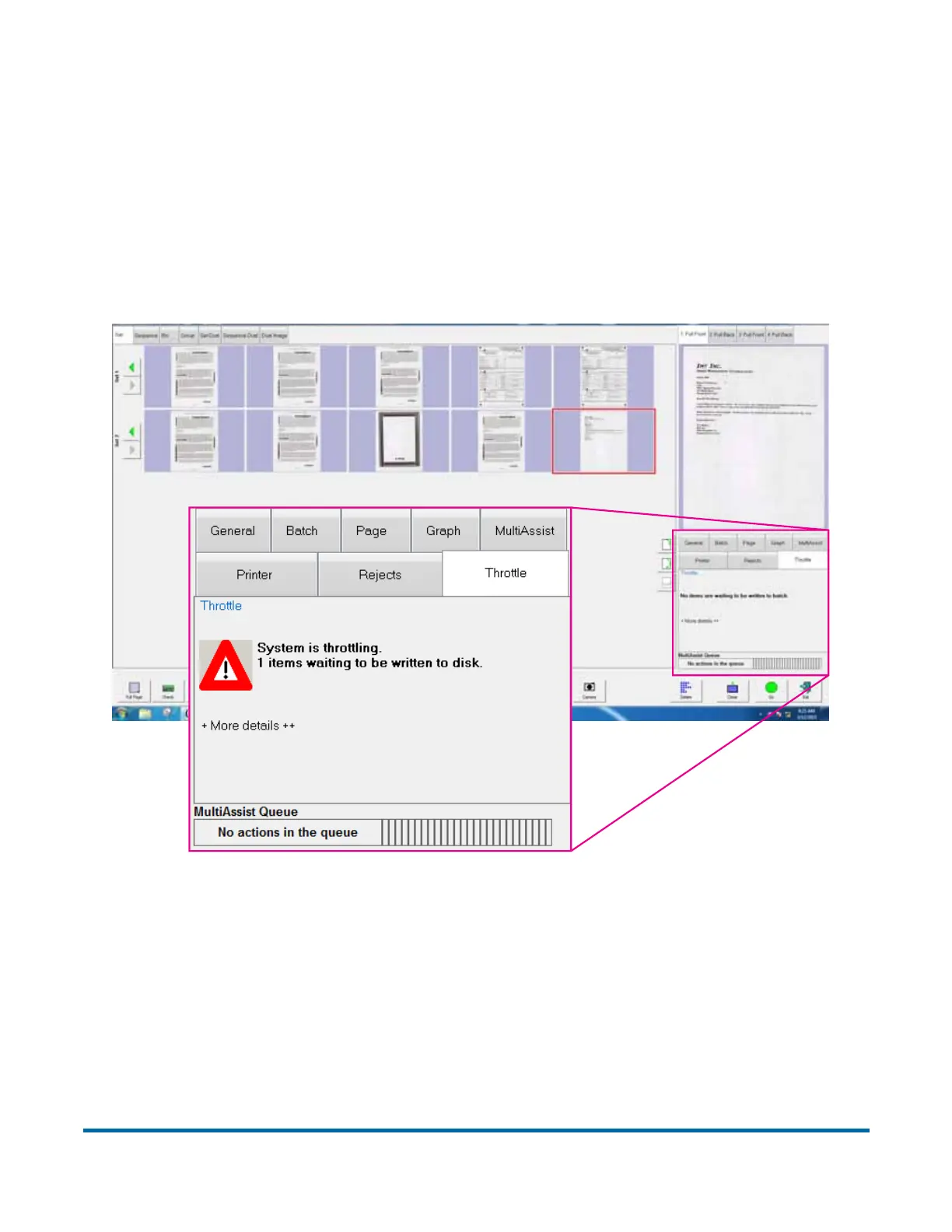
Throttling status window
Throttling status notifications are available in an optional tab on the Run screen
named “Throttle.” This optional information tab displays a notification showing
that the system is in a throttling state, along with information about how many
pieces are pending batching. Throttling is activated to pause the feeder and
conveyor when the system has reached capacity, either due to network
congestion or when extensive post-image processing is consuming available
buffers.
Figure 12: Run screen showing Throttle tab and example of notice



 To Next Page