74 Operation
FalconV User Manual - Standard Scanning - OPEX Corporation
4 When finished, press the Rescan Feeder button again.
The slot will no longer be illuminated and feeding will resume at the auto-
feeder
To use the Rescan Feeder with multi-feed detection in the event of a jam:
1 When the Rescan Feeder slot is flashing, press and hold the Rescan
Feeder button until the Rescan Feeder slot begins to flash rapidly.
2 Wait for the jam dialog to disappear.
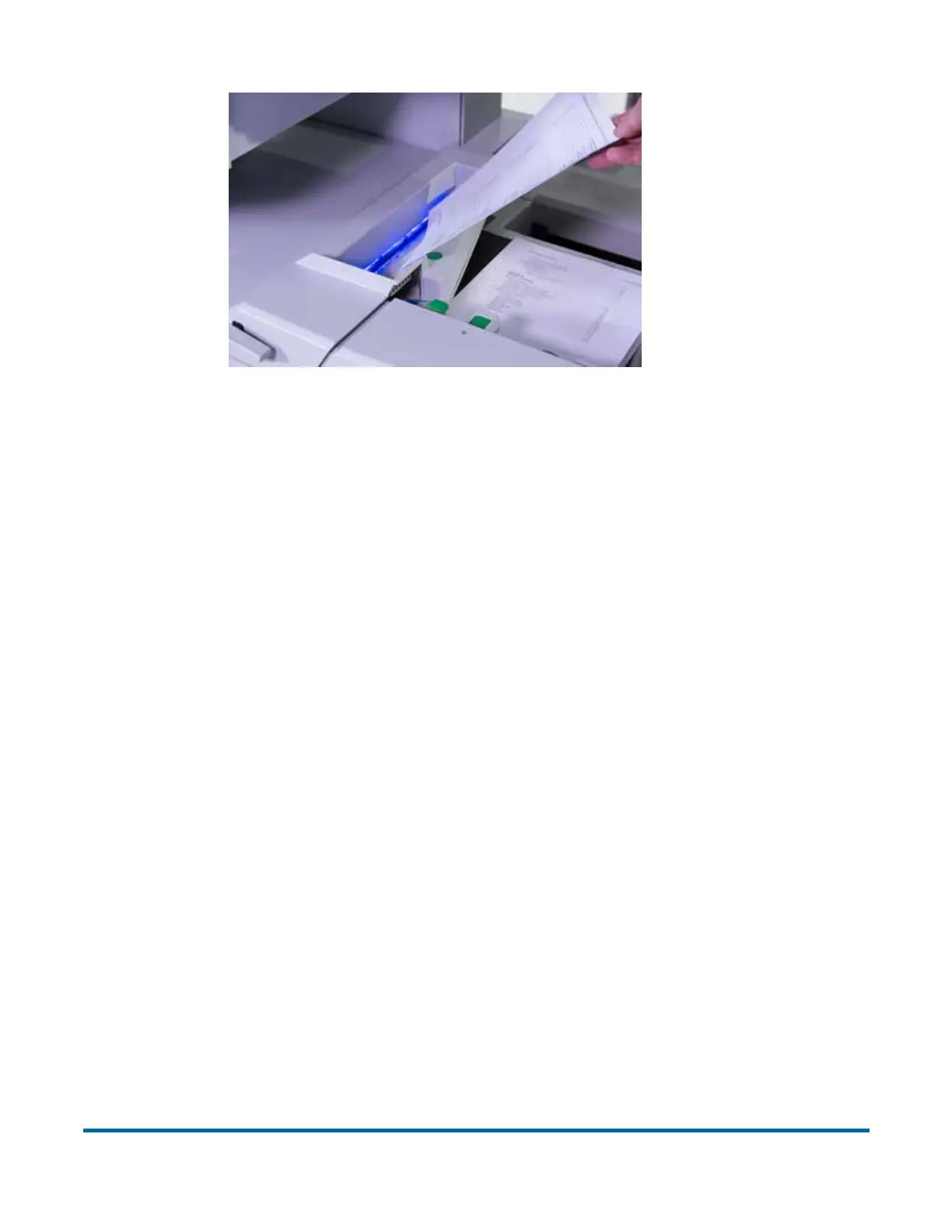
3 Inject the item(s) one at a time into the slot.
4 When finished, press the Rescan Feeder button again.
5 The slot will no longer be illuminated and feeding will resume at the auto-
feeder.
Using the Rescan Feeder when the machine is paused
If the operator pauses the machine from the run screen, the Rescan Feeder
slot will flash blue at a 0.5 second interval; alerting the operator that it may be
selected to inject a single or multiple items into the machine. If the operator
activates the Rescan Feeder, the slotted opening in the scan bed cover will
become solidly lit blue; alerting the operator that the Rescan Feeder is now
active and the machine expects items to be injected there.
To use the Rescan Feeder without Multi-Feed detection during the
paused state:
1 When the Rescan Feeder slot is flashing, press the Rescan Feeder button.



 To Next Page