88 Operation
FalconV User Manual - Standard Scanning - OPEX Corporation
• Slide the item from left to right in the slot
• Slide the item from right to left in the slot
• Insert the item straight in and pull straight out
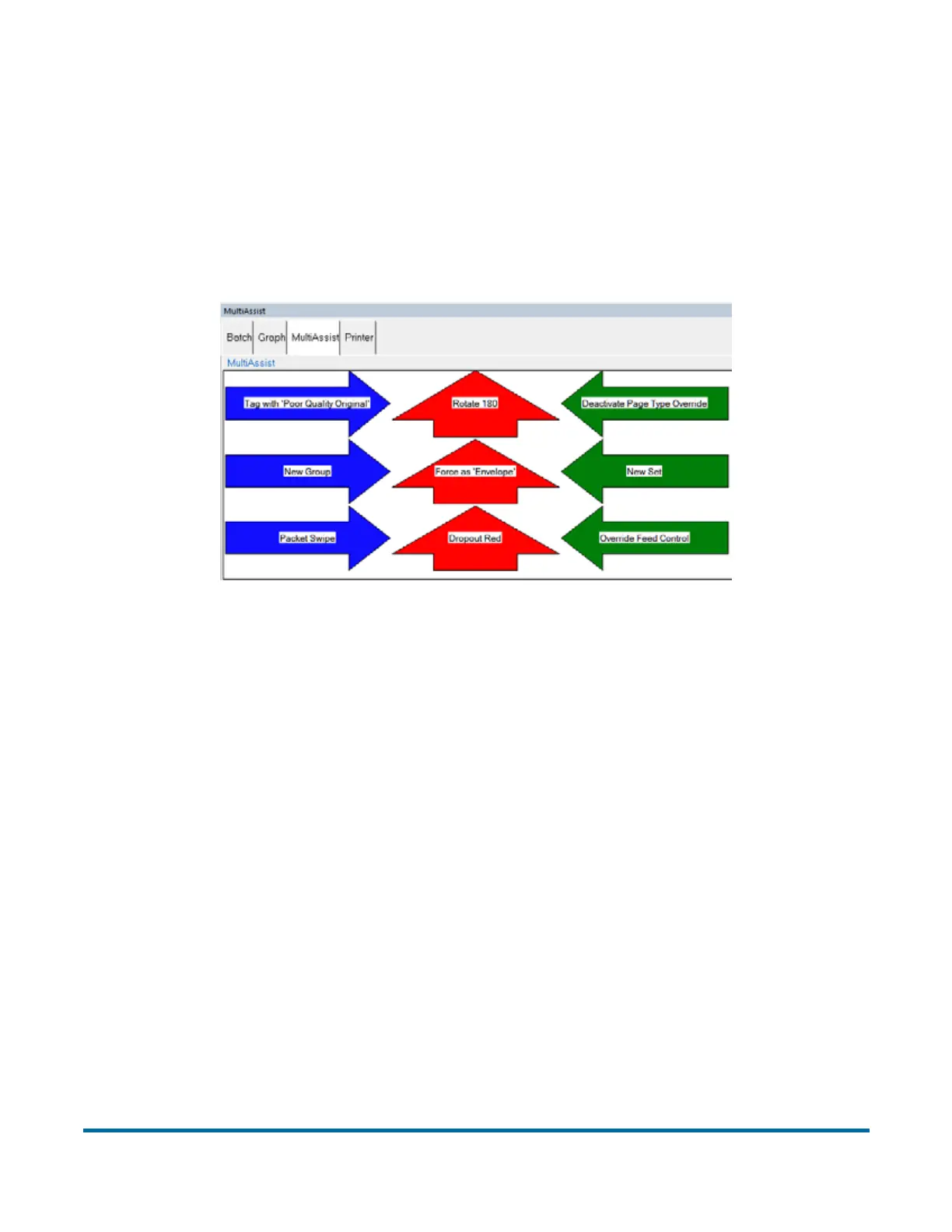
Multi-slot Assist instructions displayed on the info window to the operator while
scanning have been improved. A graphical image showing the colors and
direction to swipe the paper is now displayed.
Figure 29: Example of the info window for a Multi-slot ID Assist job
If you are using this optional feature, your Administrator should provide you
with information on its assigned functionality per job.



 To Next Page