Commissioning
- 32 -
optek-Manual--1004-1022-02--156-US-2017-12-11
www.optek.com
9.5 Setting the measuring range
You can set the measuring range at the DIP switch below the measuring range
plate on the front. The following 5 measuring ranges are available as standard:
•0 - 1 CU
•0 - 2 CU
•0 - 3 CU
•0 - 4 CU
• VARIABLE: 0 - 0.5 to 0 - 4 CU (factory setting 0 - 0.5 CU)
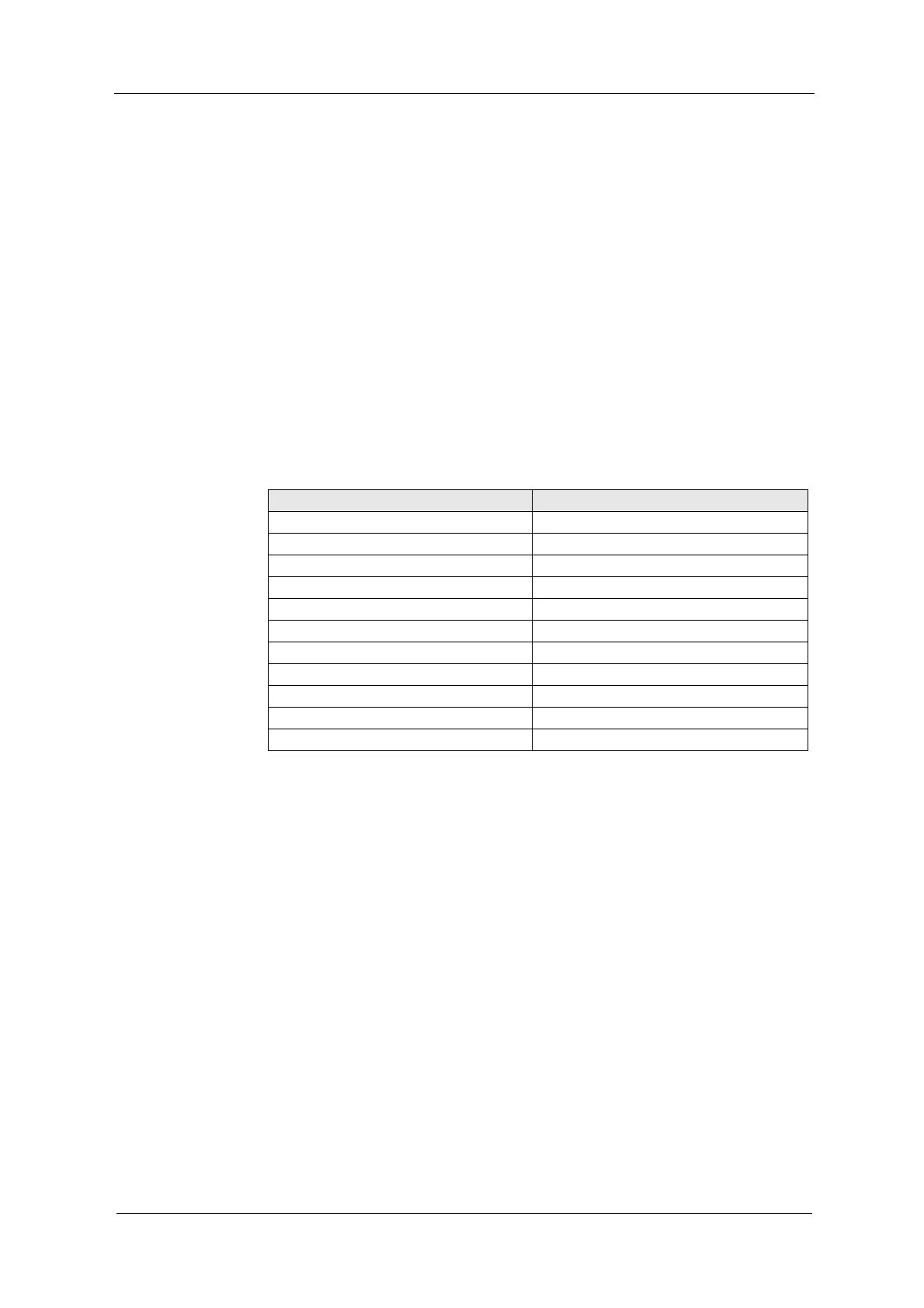
CU as a unit is defined as the negative decadic logarithm of light intensity chan-
ge. This means: A measuring result increase by 1 CU corresponds to a light
beam attenuation of 90 %. This results in the following conversion:
Tab. 4 Relation between measuring result and attenuation of light
Measuring result (CU) Remaining light (%)
0.00 100.0
0.05 89.1
0.10 79.4
0.20 63.1
0.50 31.6
1.00 10.0
2.00 1.0
3.00 0.1
4.00 0.01
5.00 0.001
6.00 0.0001



 To Next Page