47
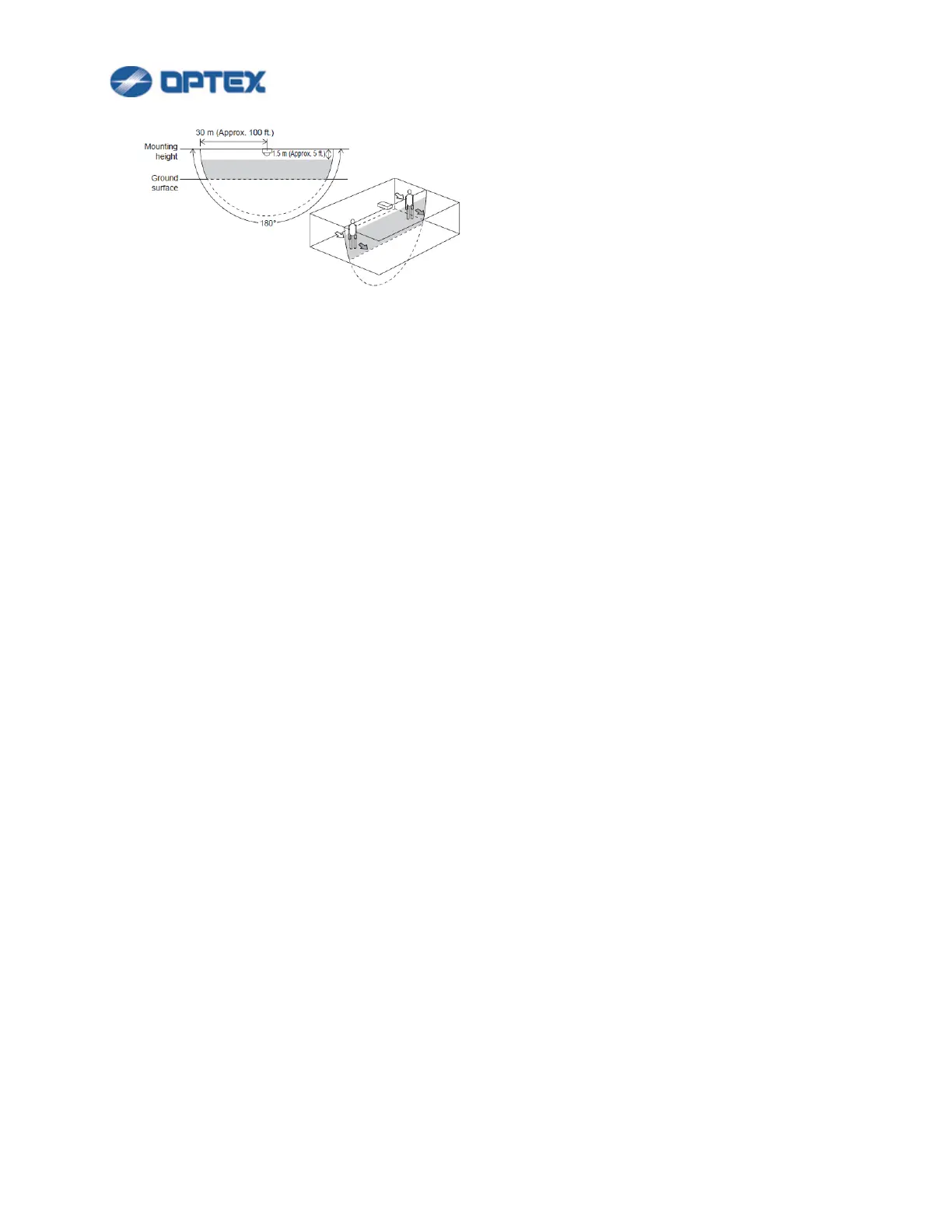
This mode will detect an object that traverses the detection area.
[Sensitivity] (Default: Middle)
The Sensitivity is to avoid false alarm caused by instantaneous event. If an object is detected longer than
the Sensitivity time, alarm is issued.
[Minimum Target Size (Width)] (Default: Middle)
The Size is to avoid false alarm caused by small object. If an object is smaller than Minimum Target Size,
the object is ignored.
[Detection Time] (Default: 10)
Can be changed when loitering detection is being selected. Specify a time from intrusion of an object in a
detection area to issuing an alarm.
4. Click Next button and click Save button in the next page to save the changes.


 To Next Page
 Loading...










