Intersection Equipment Installation Instructions
50
12.3.2 RS-232 COM Ports on the Auxiliary Interface Panel
There are two RS-232 COM ports on the auxiliary interface panel. These ports are labeled COM 3 and
COM4. These COM ports are configured for connection to a modem so it is probable that a null modem
adapter will be needed when they are used.
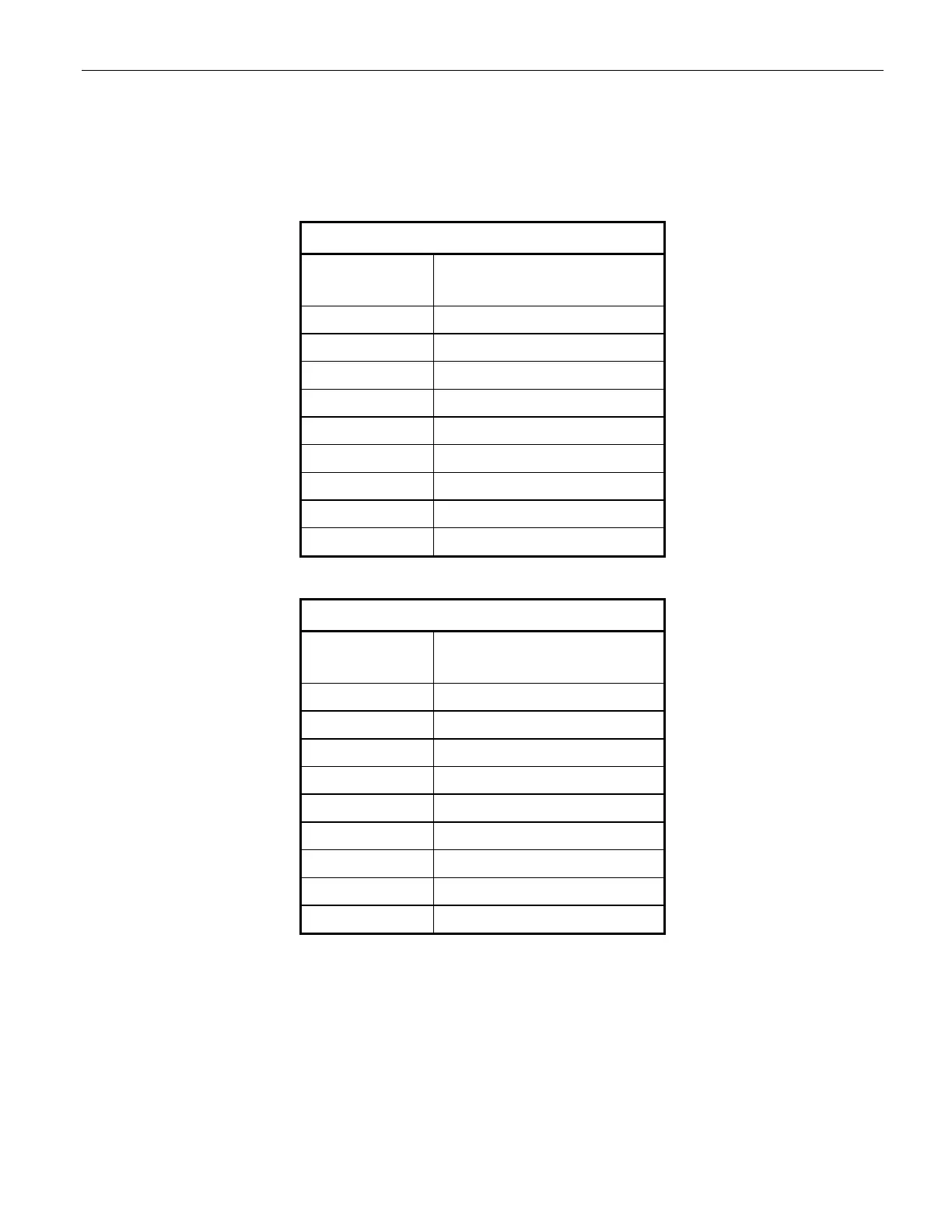
Auxiliary Interface Panel COM 3
COM Port
Pin Number
Signal Name
1 DCD (Data Carrier Detect)
2 RXD (receive data)
3 TXD (transmit data)
4 DTR (Data Terminal Ready
5 GND (ground)
6 DCD (Data Carrier Detect)
7 RTS (Ready to Send)
8 CTS (Clear to Send)
9 RI (ring Indicator)
Auxiliary Interface Panel COM 4
COM Port
Pin Number
Signal Name
1 Not used
2 RXD (receive data)
3 TXD (transmit data)
4 Not used
5 GND (ground)
6 Not used
7 Not used
8 Not used
9 Not used
Table 12-6 Communication Port Pin Assignments (Auxiliary Interface panel)



 To Next Page