3. Highlight the option you want and press the OK button to execute it.
1) All: All data and settings will be deleted.
Tip: If you select “yes”, all data and setting will be lost. Then waiting a moment, you
will view the OSD language menu where you can select the language according
your mind.
2) Channel List Only: All channels data will be deleted.
3) Radio Channel Only: All radio channels data will be deleted.
4) Scramble Channel Only: All scramble channels data will be deleted.
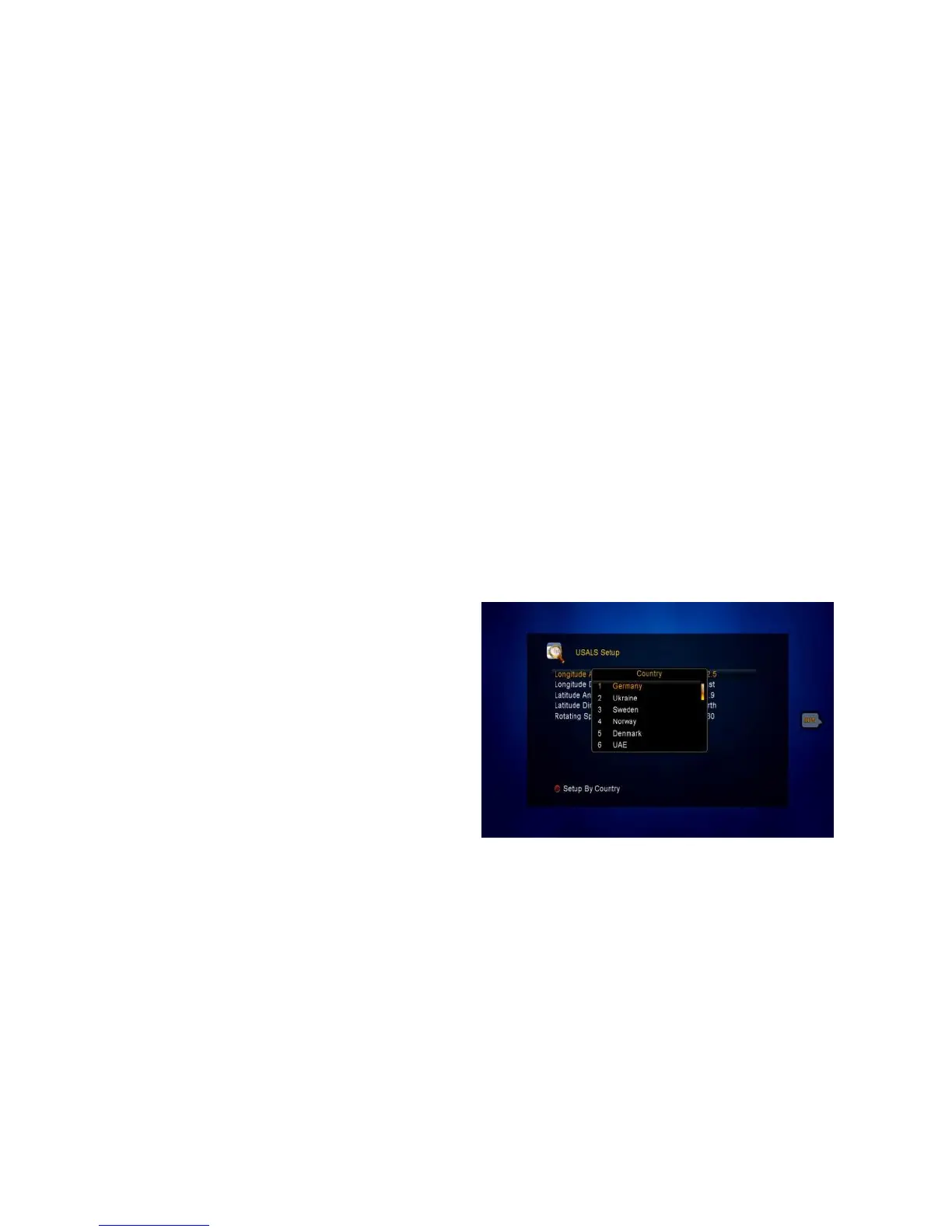
4.4 USALS Setup
Menu->Satellite->USALS Setup
If you set the Motor Mode to USALS,
you need set the longitude and the
latitude in USALS Setup.
Setup By Country: Press the Red
button, you can choose the country,
press OK button, you will view the city
in this country that’s you select.



 To Next Page