5. Edit Channel
5.1 Edit Channel
Menu Edit Channels enables to move, delete, rename, lock/unlock, swap the
channels in the channel list conveniently.
Menu->EDIT CHANNEL->TV Channels
Menu->EDIT CHANNEL-> Radio Channels
Tip: Radio Channels operation similar
to the TV Channels.
Tip: in Edit Channel->TV channels you
can press the Sat button to choose
different satellite according to the help
information, press OK to confirm, then
all the channels of this sat will be
displayed.
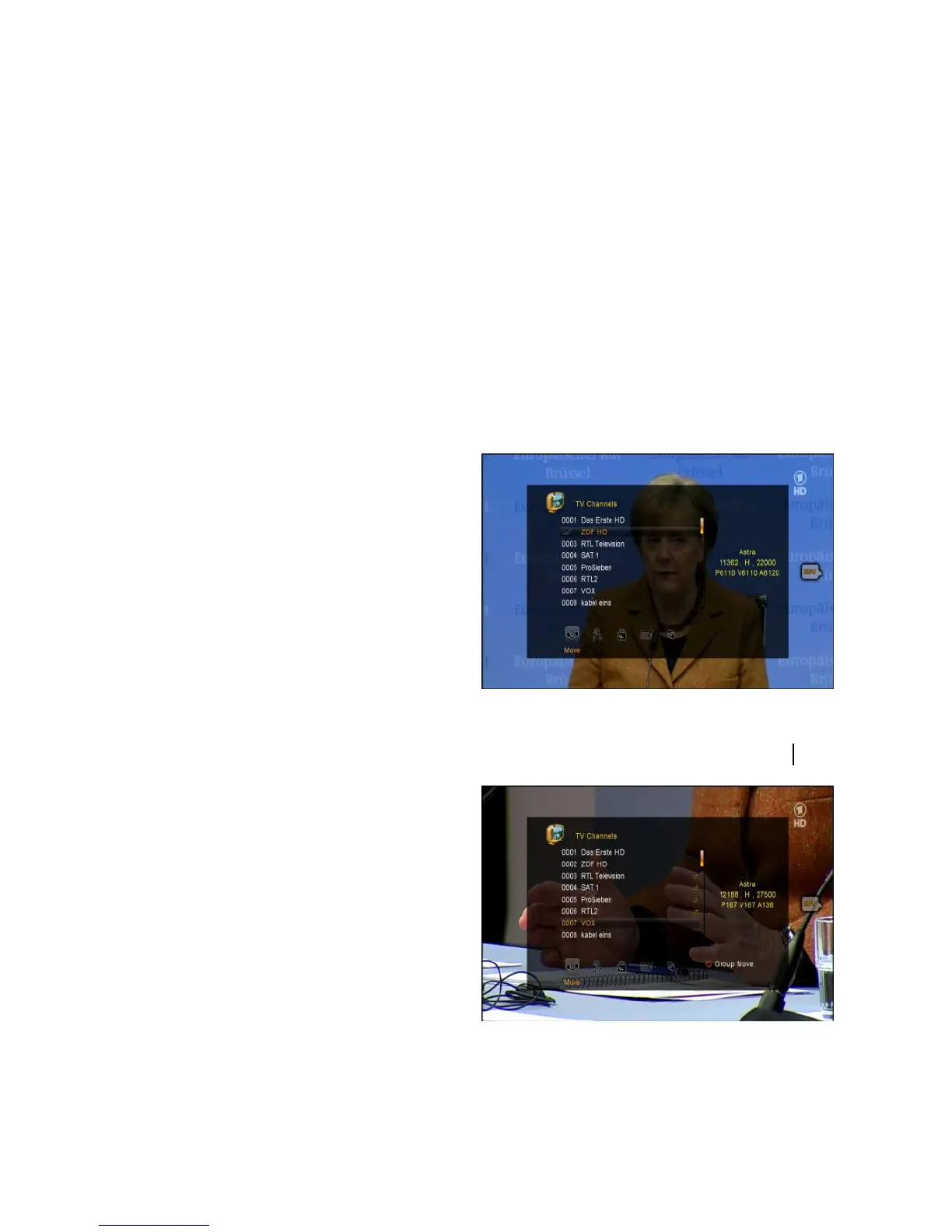
1. Move Channels
1) Highlight the Move function using VOL+/ VOL- button and Press OK to enter.
2) Highlight the channel you want to
move and press OK to select the
channel. You will see move sign instead
of channel number.
3) Press the CH+/CH- button to move to
new destination on the channel list and
press the OK button, or press the
NUMERIC(0-9) buttons to send channel
to new destination in the channel list and press the OK button.



 To Next Page