press the BLUE button to complete.
5. Swap Channels
1) Highlight the Swap function using VOL+/ VOL- button.
2) Highlight the channel you want to swap with another.
3) Press the OK button to confirm.
4) Input new position of a channel and press OK. Channels position will be
replaced.
5.2 Edit Favorite
Menu->EDIT CHANNEL-> Favorites
You can add or remove channels from
the favorite groups.
1. Press the VOL+/VOL- button to
change the favorite group .
2. Highlight the channels you want to
add or remove from that favorite
channel list and press the OK button. to
mark the channel as selected favorite
group.
3. Press RED key to rename favorite group.
4. Press the EXIT button to exit the menu and save it.
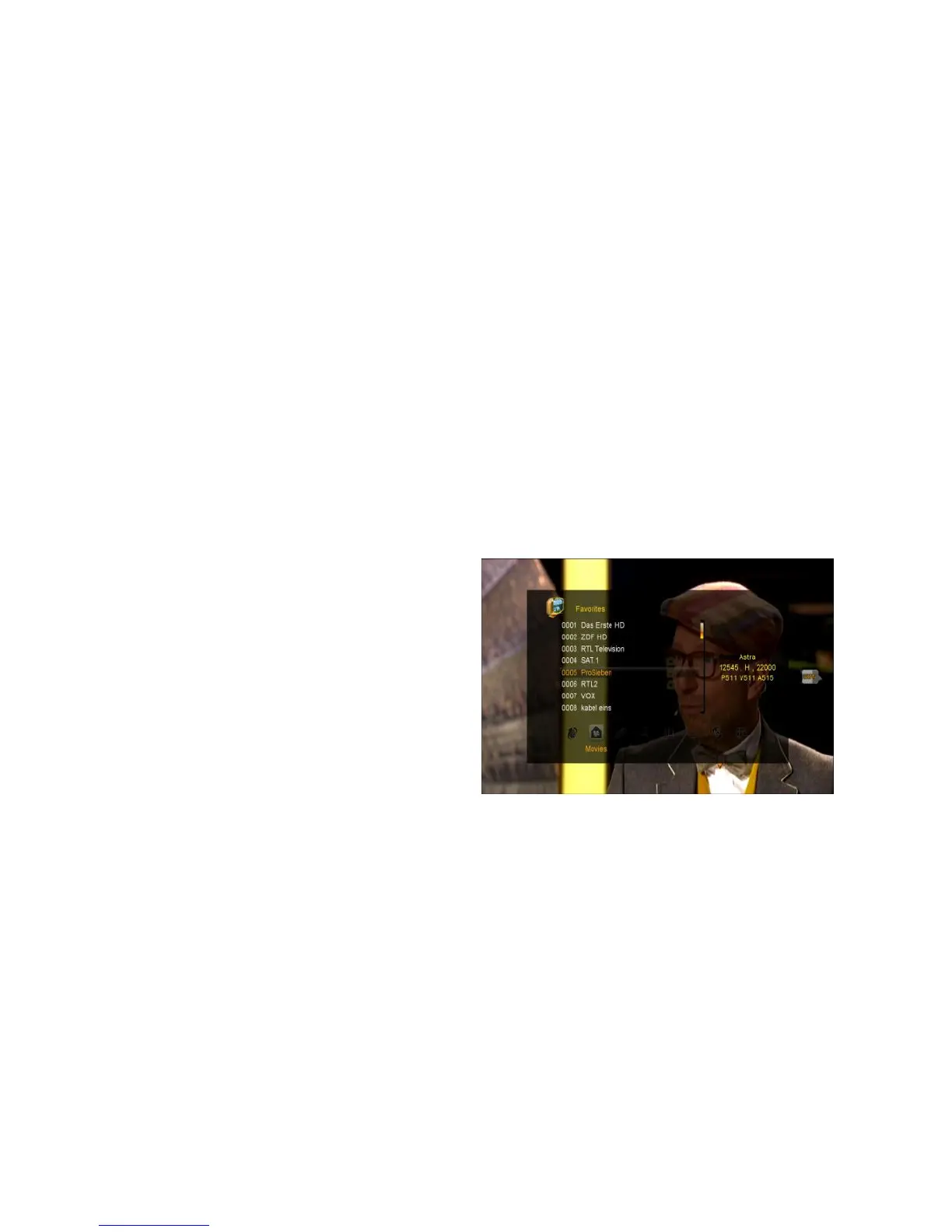
5. You can access favorite list by pressing FAV button on remote.
Note: to change order of channels inside favorite lists, press FAV button, choose
FAV list you want to modify order and press GREEN button to Edit order of
channels.
Note: If you select a favorite list, press the CH+/CH- button can only change the
channels in this favorite list and press the OK button can only display the channels



 To Next Page