1. Press the SAT button.
2. Highlight the satellite that you want.
3. Press the OK button, then it can enter the channel list which only includes the
channels of this satellite.
4. Press the RED button to hide or show the satellite. If it is hidden, the channels
of this satellite will be hidden in the channel list.
5. Press the Green button to delete the satellite. And all the channels in this
satellite will be deleted.
10.4 EPG
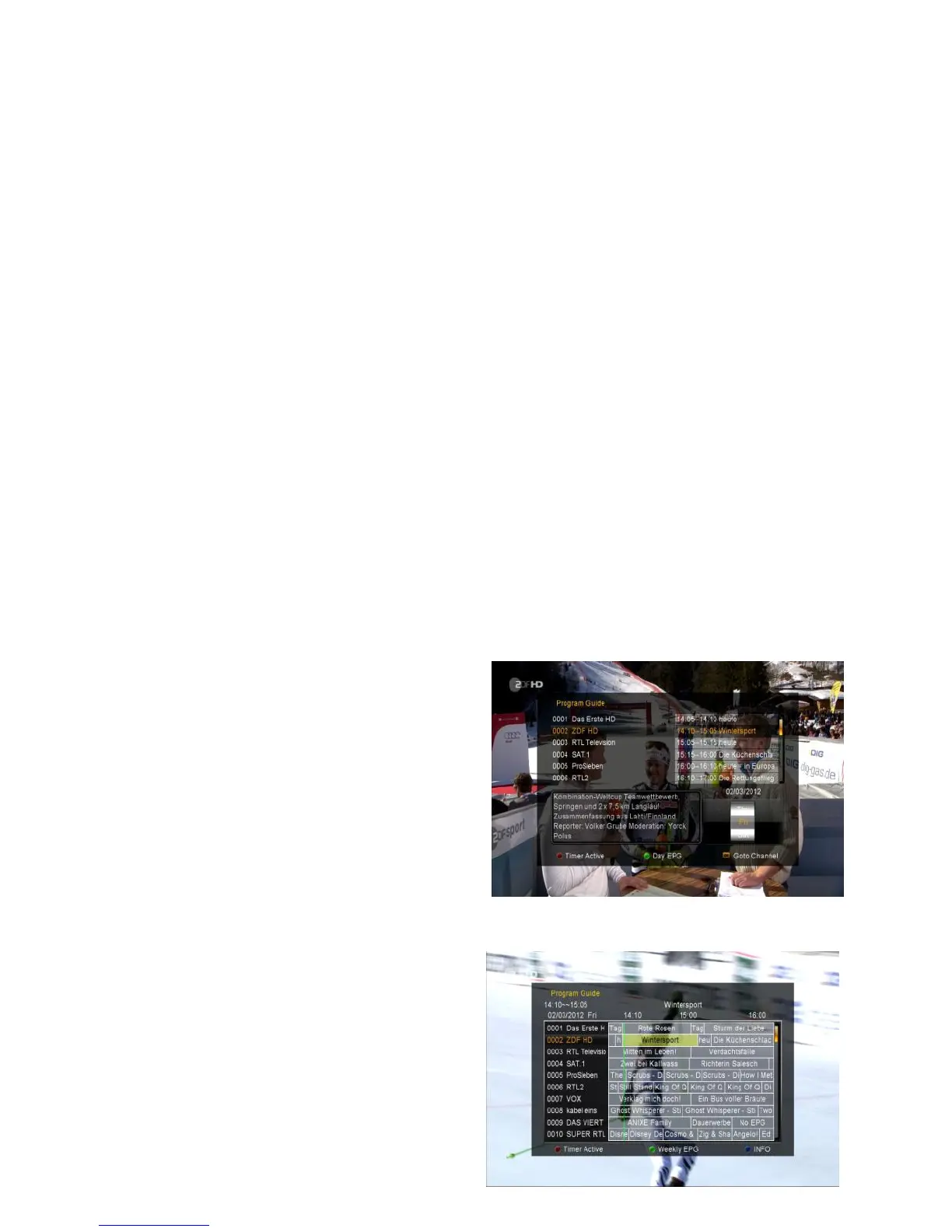
You can view the EPG information of all channels in time and date order.
1. Press the EPG button.
2. Press the GREEN button to switch EPG mode between Weekly EPG and Day
EPG.
Weekly EPG:
1) Press the CH+/CH- button to change
EPG event.
2) Press the VOL+/VOL- button to
change the date, and it displays the
EPG list in one day of the selected
channel.
3) Highlight the EPG event which you want, press the RED button to enter Timer
Setup menu. After setup, press the OK
button can add the EPG event to the
Timer.
Day EPG:



 To Next Page