3) Press the OK button can upload the data and setting to USB disk.
Upload to FTP (Optional)
1) Highlight the file or folder.
2) Press the YELLOW button and highlight the Upload to FTP.
3) Press the OK button can upload the highlight file or folder to FTP.
Note: this function depend on FTP server. Make sure you configure properly
server connection and your FTP server support it.
8.2.2 Setting
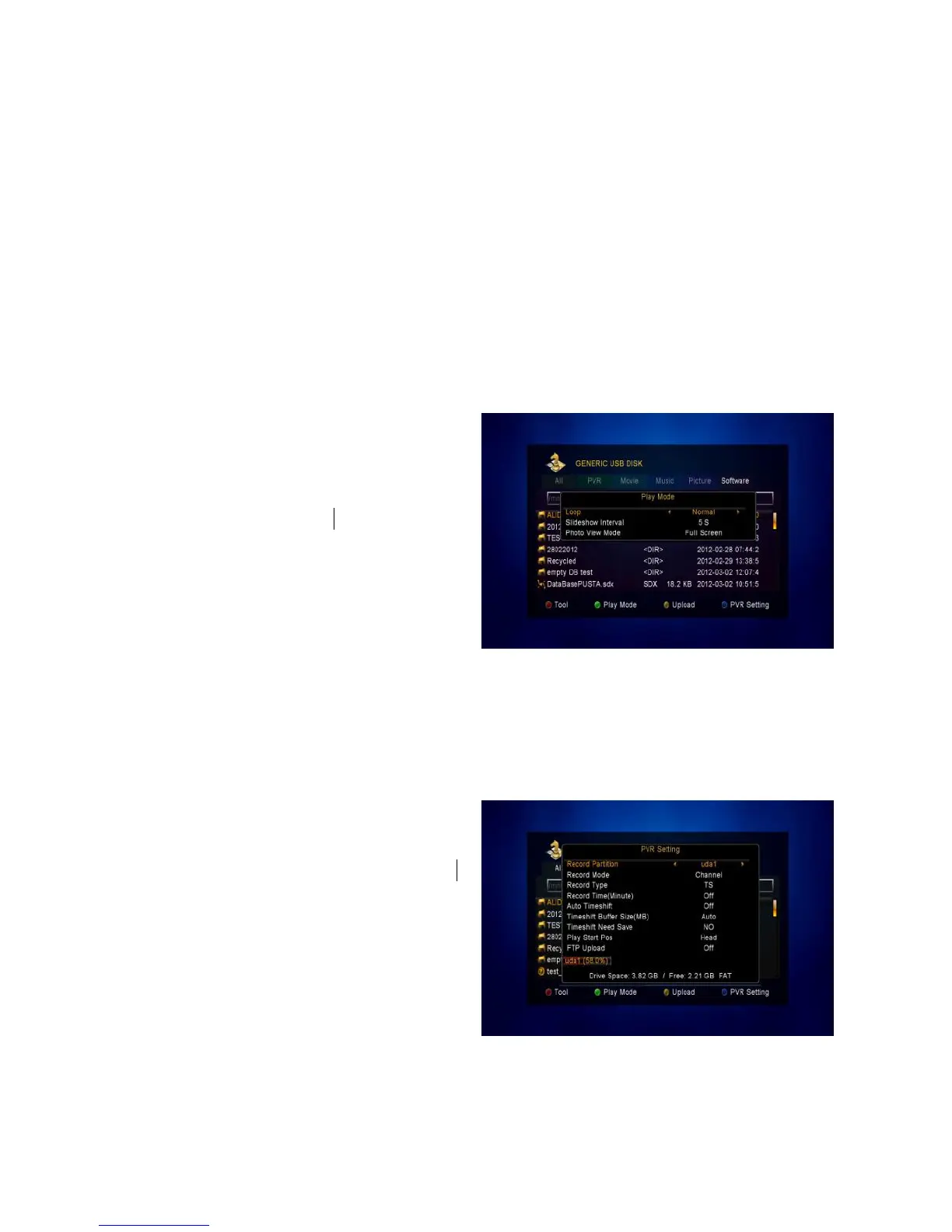
1. Play Mode
Loop
Set the Loop state on Normal, Reverse,
Random, Single or Off.
Slide Show Interval
Set the Slide Show Interval from
2S-10S.
Photo View Mode
Set the Photo View Mode state on Full Screen, 2x2 Thumbnail or 2x3 Thumbnail.
2. PVR Setting
Record Partition
Select the Partition where save your
record or other result of your operation.
Record Mode
Set the Record Mode Channel or
Transponder. For standard recording
set it to Channel.
Record Type
Set the Record Type TS or PS.



 To Next Page