Record Time
Set the Record Default Time Off, 30, 60, 90, 120 minute or input number directly.
Auto Timeshift
Set to start the Timeshift automatically, after every switching channel.
Timeshift Buffer Size(MB)
Set the Timeshift Buffer Size off, Auto, 100, 200, 400, 800, 1600, 3200, 6400MB.
Timeshift Need Save
Set the Timeshift if need to Save .
Play Start Pos
When playing the recorded file, set the Play Start Pos to start playback from
beginning of the file or from last watched position (if before stopped to play by
manual exiting).
FTP Upload (optional)
Set the stream of recording whether upload to FTP or not.
8.2.3 Play Files
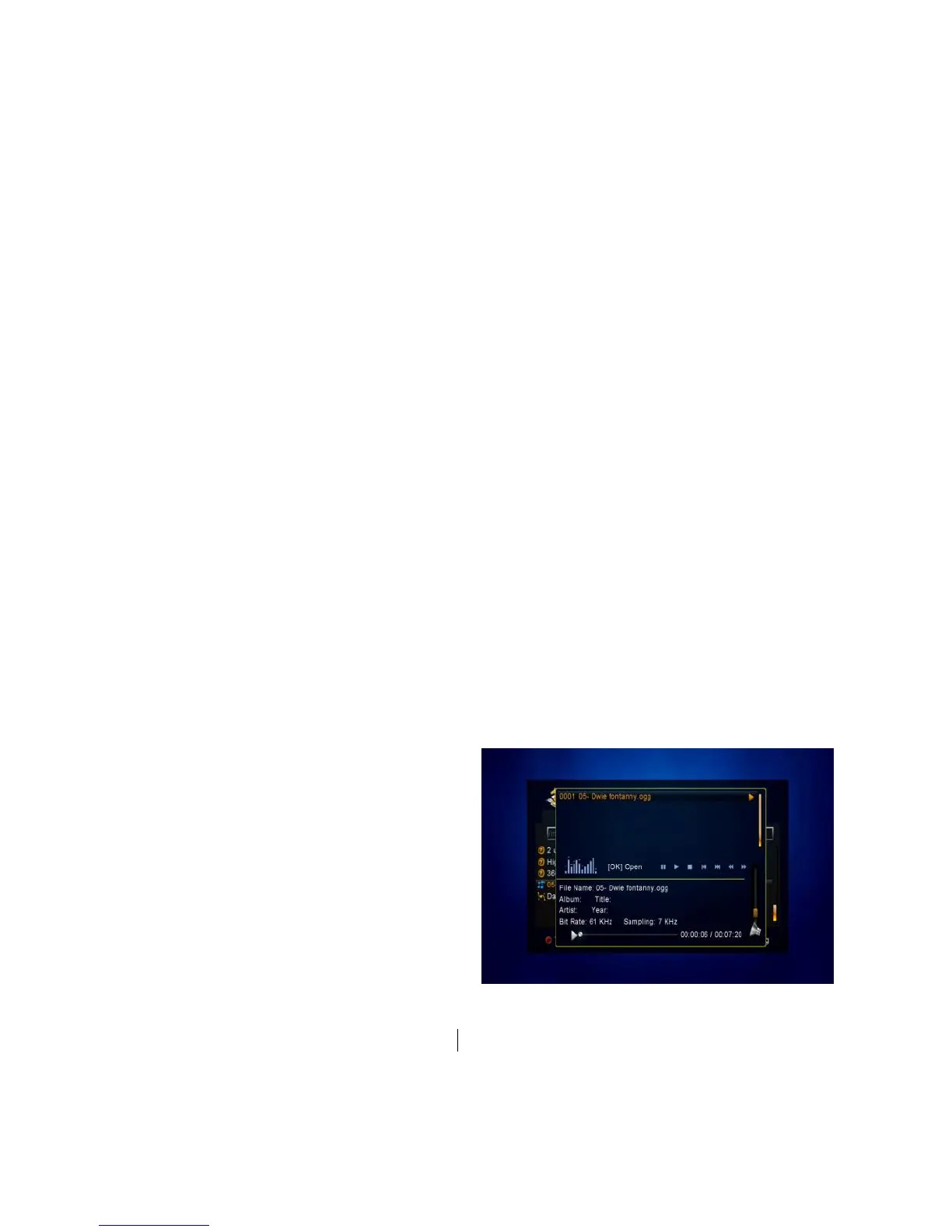
1. Music
1) Press the VOL+/VOL- to highlight
the Music.
2) Press the CH+/CH- to change the
folder or file and press the OK button to
open the folder or play the music file. It
supports *.ogg, *.wav and *.flac format
music files.
OK: Play the selected file.
CH+/CH-: Change the highlighted item.
: Play the file.



 To Next Page