■ : Stop playing file.
I: Play the previous file.
I: Play the next file.
: Fast rewind.
: Fast forward.
PAUSE/||: Pause.
VOL+/VOL- : Adjust volume.
EXIT: Exit playing state and return to file
list menu.
2. Photo
1) Press the VOL+/VOL- to highlight
the Photo.
2) Press the CH+/CH- to change the
folder or file and press the OK button to
open the folder or play the picture. It supports *.bmp, *.jpg, and *.gif format photos.
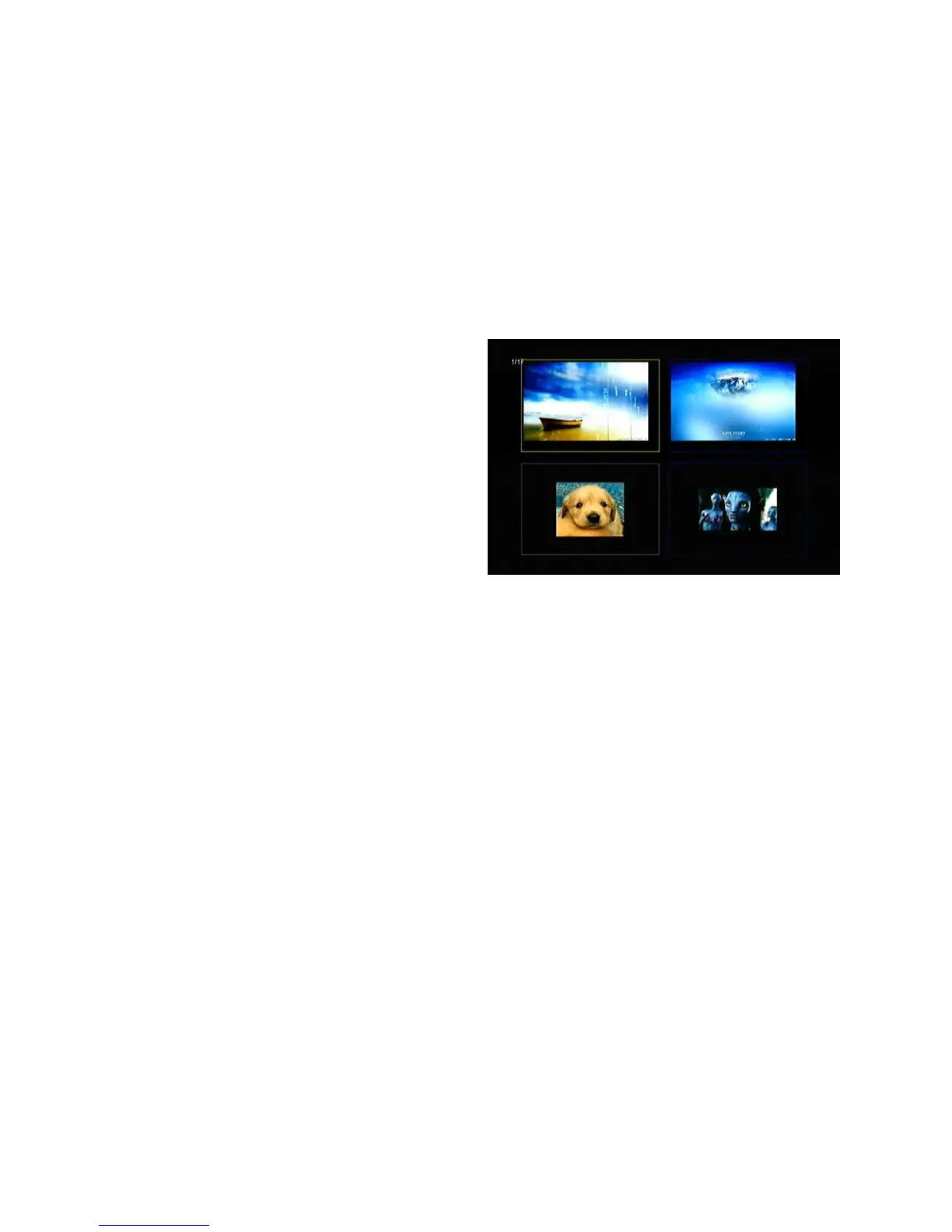
Tip: You can press the Green button to go to Play Mode Set the Photo View
Mode state on Full Screen, 2x2 Thumbnail or 2x3 Thumbnail in the USB menu.
The picture followed is 2x2 Thumbnail mode.
OK: View the photo.
CH+/CH-/VOL+/VOL-: Highlighted the previous/next photo when photo view mode
is 2x2 Thumbnail or 2x3 Thumbnail. VOL+/VOL- button also can rotate the
picture when photo display of full screen.
I: Play the previous file.
I: Play the next file.
PAUSE/||: Pause.
ZOOM: Zoom in pictures, the zooms change as follows: x1 ->x2->x4 ->x8 ->x16
->x1.
EXIT: Exit the current menu.



 To Next Page