7. Times
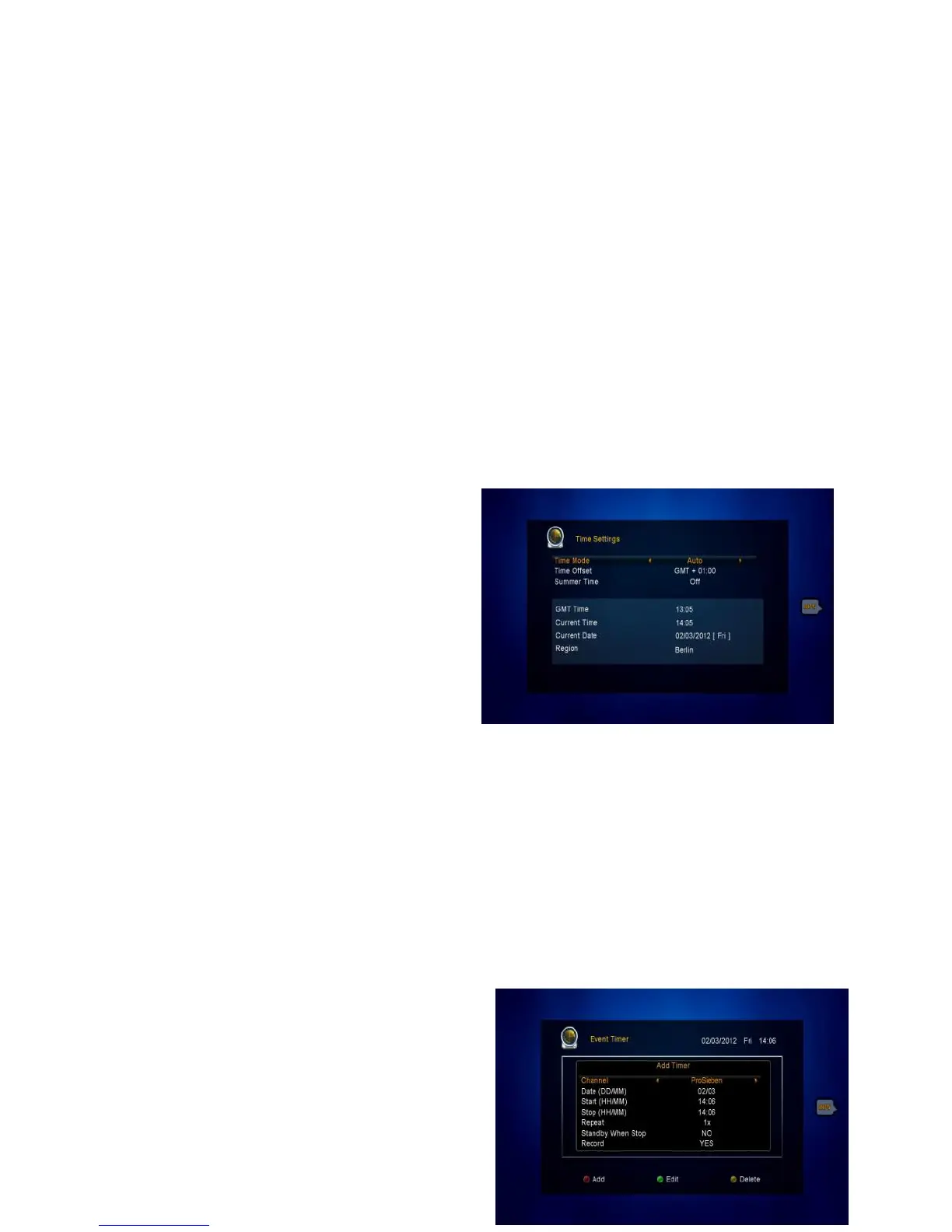
7.1 Time Settings
Menu->TIMES->Time Settings
Time Settings will set the time mode, time zone and summer time.
1.Time Mode
You can switch the Time Mode to Auto
or Manual by pressing VOL+/VOL-
button. If the Time Mode is Manual you
can change the current time and current
date.
2. Time Offset
Set the time zone according to your country/city.
3. Summer Time
If summer time is used, correct the current time by pressing ON by VOL+/VOL-
button.
7.2 Event Timer
Event Timer You can set timer events.



 To Next Page