the right password.
5. Enter Menu-> Network->Wireless Setting->IP Situation.
If the Network is connected, it should get the correct IP address and display the
“Connected”.
13.3 Network Application
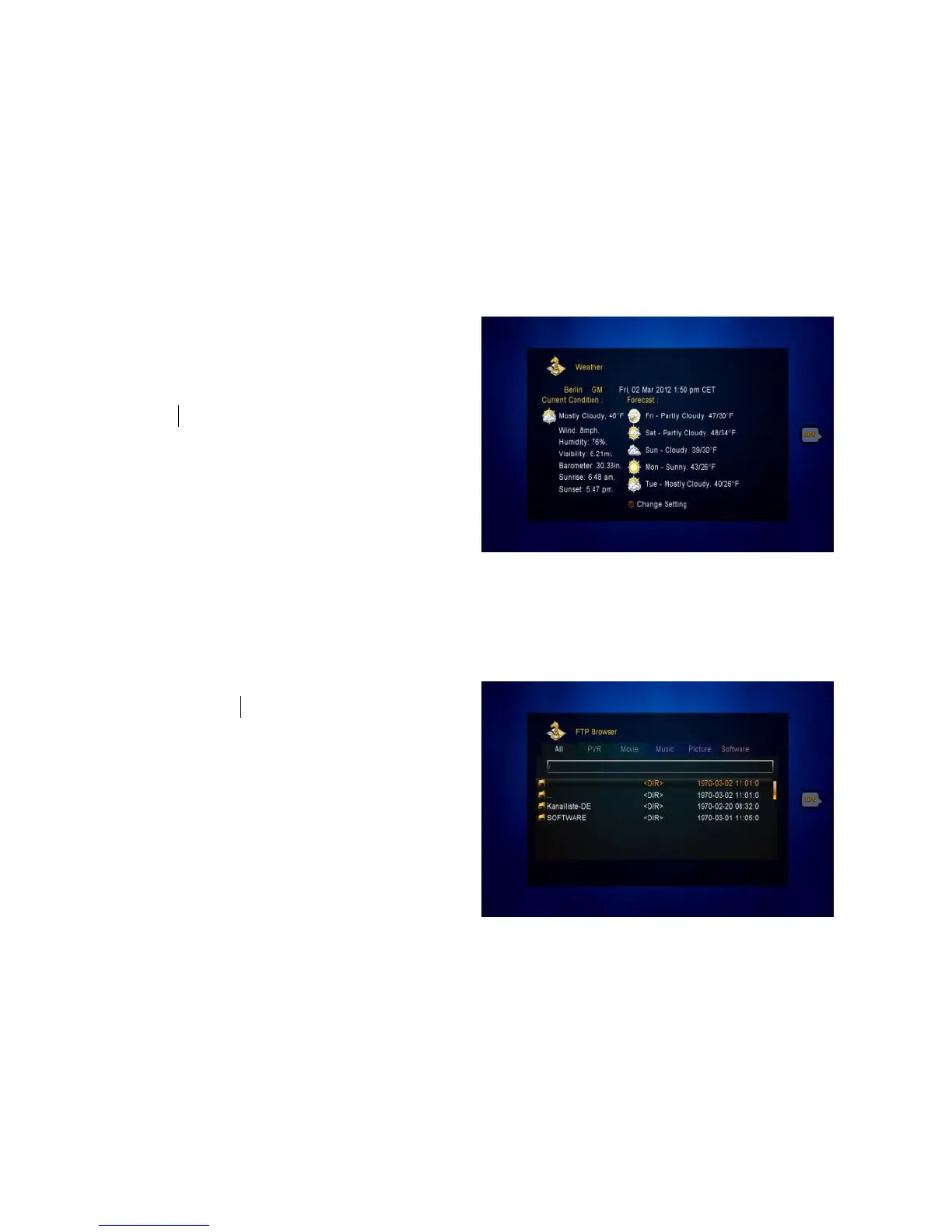
13.3.1 Weather Forecast
Here you can input the city name to
browse the weather of this city in future
days.
RED: Change the city and unit of
temperature.
GREEN: Store the current setting.
13.2.2 FTP Download (optional)
You can Download S/W, music, photo and other media files from the FTP.
1. Menu-> Expansion ->FTP Download
2. Input the correct information for
every option.
3. Highlight on the Connect Net,
press the OK button to enter the FTP.
4. According to the prompted
information select the file you want to
download and press the OK button to
download it to USB device.



 To Next Page