10. Basic Operation
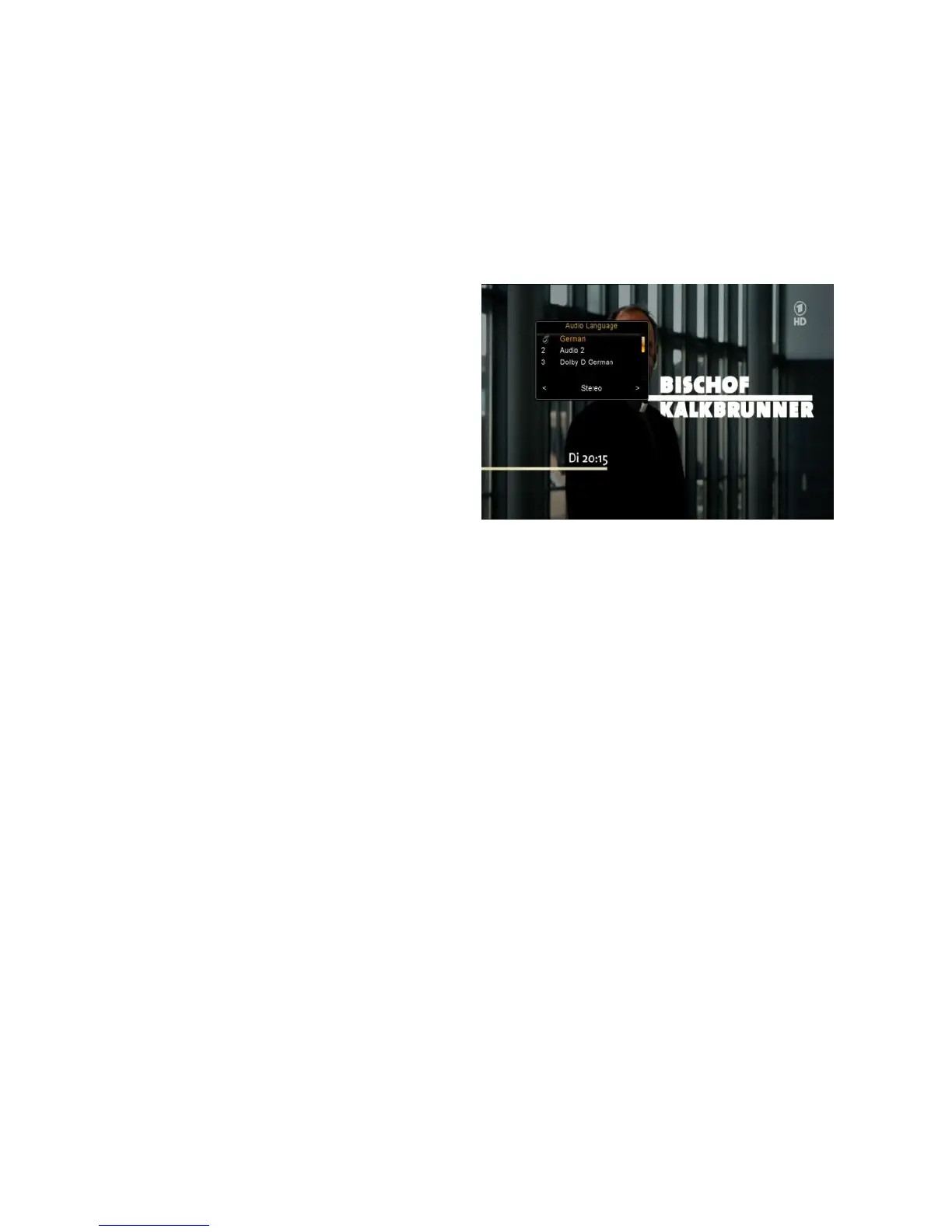
10.1 Audio
You can select the language you prefer
in Audio if the current program is
available in multiple audio languages.
1. Press the AUDIO button.
2. Press the OK button to select the
audio language you prefer.
3. Select audio direction (Left, Right, Stereo) using the VOL+/VOL- button.
4. Press the EXIT button to close.
10.2 Zoom In
You can zoom in the current video picture.
1. Press the ZOOM button.
2. Press the CH+/CH-/VOL+/VOL- button to move the icon to the position you
want to zoom in.
3. Press the OK button to display.
4. Press the EXIT button to close.
10.3 Satellite List
You can select or hide the satellite that you want.



 To Next Page