38
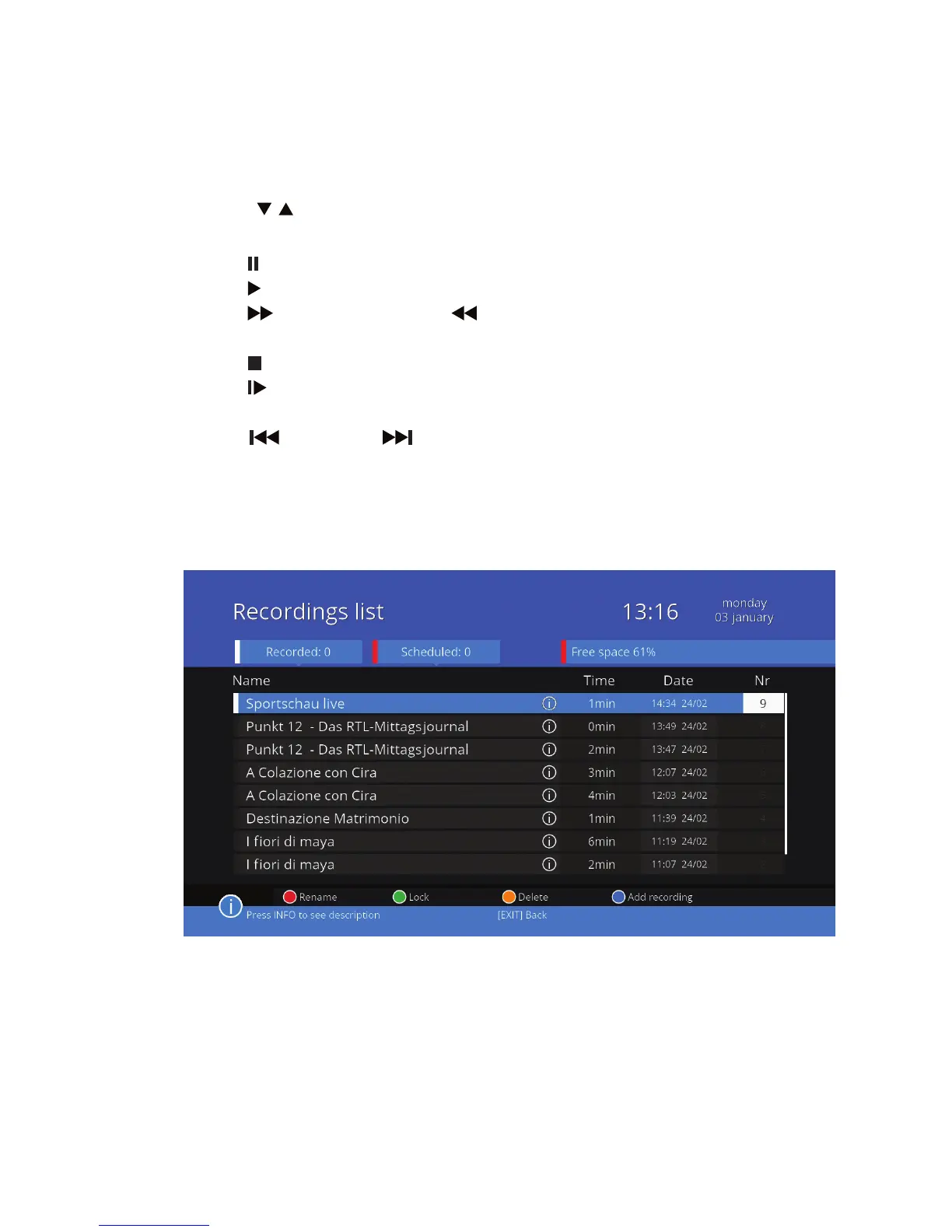
Your recordings
In the menu you record programs already recorded are displayed in white,
and scheduled (timer) in red.
Use the / buttons to highlight the selected recording and press OK to
start play. During playback, you can do the following:
• Use (PAUSE) to stop playback.
• Use (PLAY) to resume playback at normal speed.
• Use (FF) to play faster or (REW) button to rewind. Press the button
as many times as you need to set the desired speed (x2, x4, x8, x16, x24).
• Use (STOP) to stop playback and return to the list of recordings.
• Use (SLOW) to slow down playback. Press the button as many times as
you need to set the desired speed (x1/2, x1/4, x1/8).
• Use (SKIP–)lub (SKIP+) button to jump to the next or previous
track.
After playback, the unit will automatically return to the list of recordings. You
can manage the list of your recordings using the colored buttons:



 To Next Page