39
Menu
rename
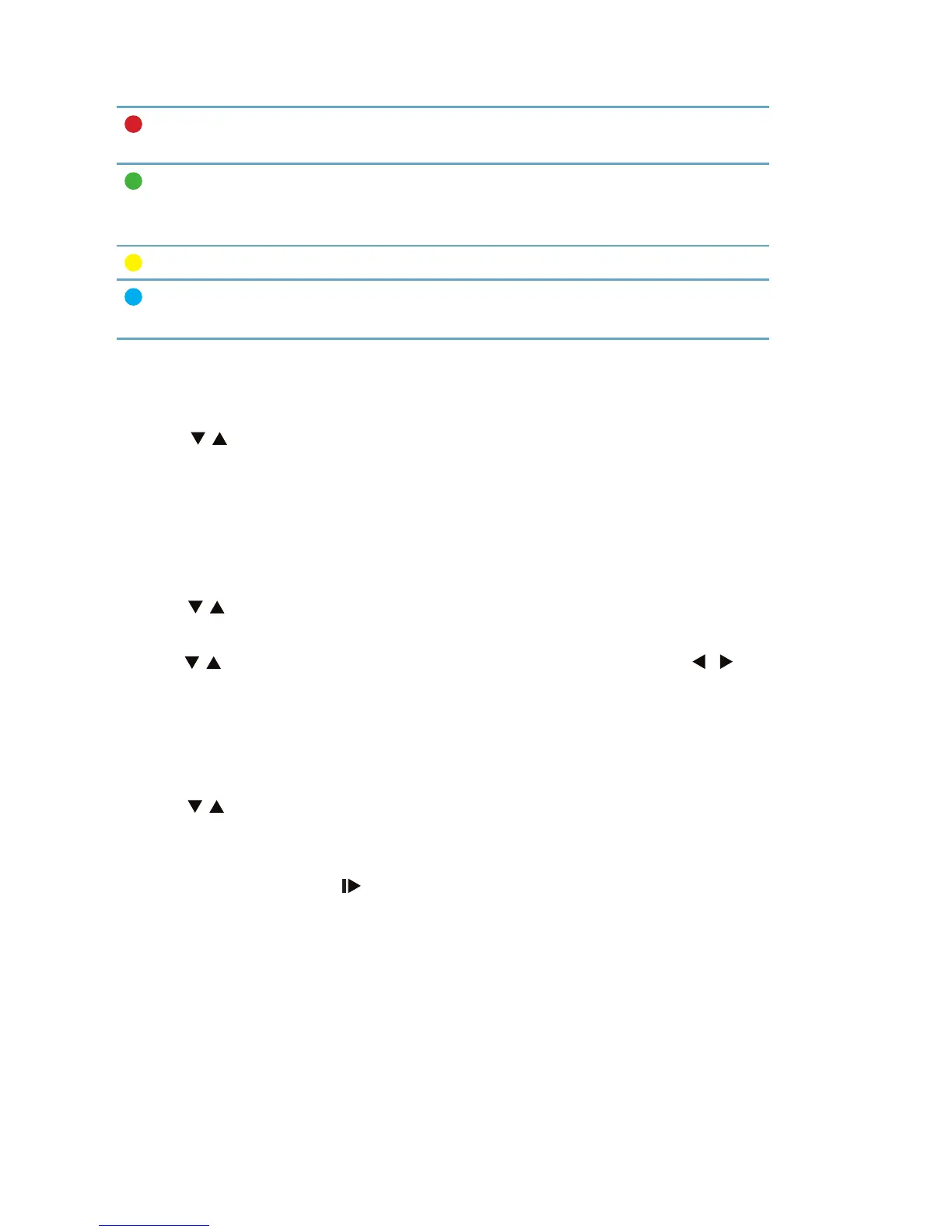
Using the red button, go to the window to rename the hi-
ghlighted record.
lock
Using the green button lock the recording so that wat-
ching it would be possible only after entering the
password. (The default password is 0000)
delete
Remove unwanted recording.
add
recording
Plan your next video recording. A detailed guide to plan-
ning of the recording is located on page 26.
Your videos
In this menu, you can play movies stored on a USB drive.
Use the / buttons to highlight the selected recording and press OK to
start play. During playback, you can perform the same operations as descri-
bed in the preceding paragraph of your recording.
Your photos
In this menu, you can view images stored on a USB drive.
Use the / buttons to highlight the selected image and press OK to start
to show.
Use the / buttons to switch to the next or previous image. Using / you
can rotate the image clockwise or counterclockwise.
Your music
In this menu, you can play music stored on a USB drive.
Use the / buttons to highlight the desired track and press OK to start to
play it.
During playback, you can perform the same operations as described in sec-
tion above apart from the (SLOW) action.
Using the YELLOW button, you can set the repeat mode from the list on one
of the three: repeat, random, one after the other.



 To Next Page