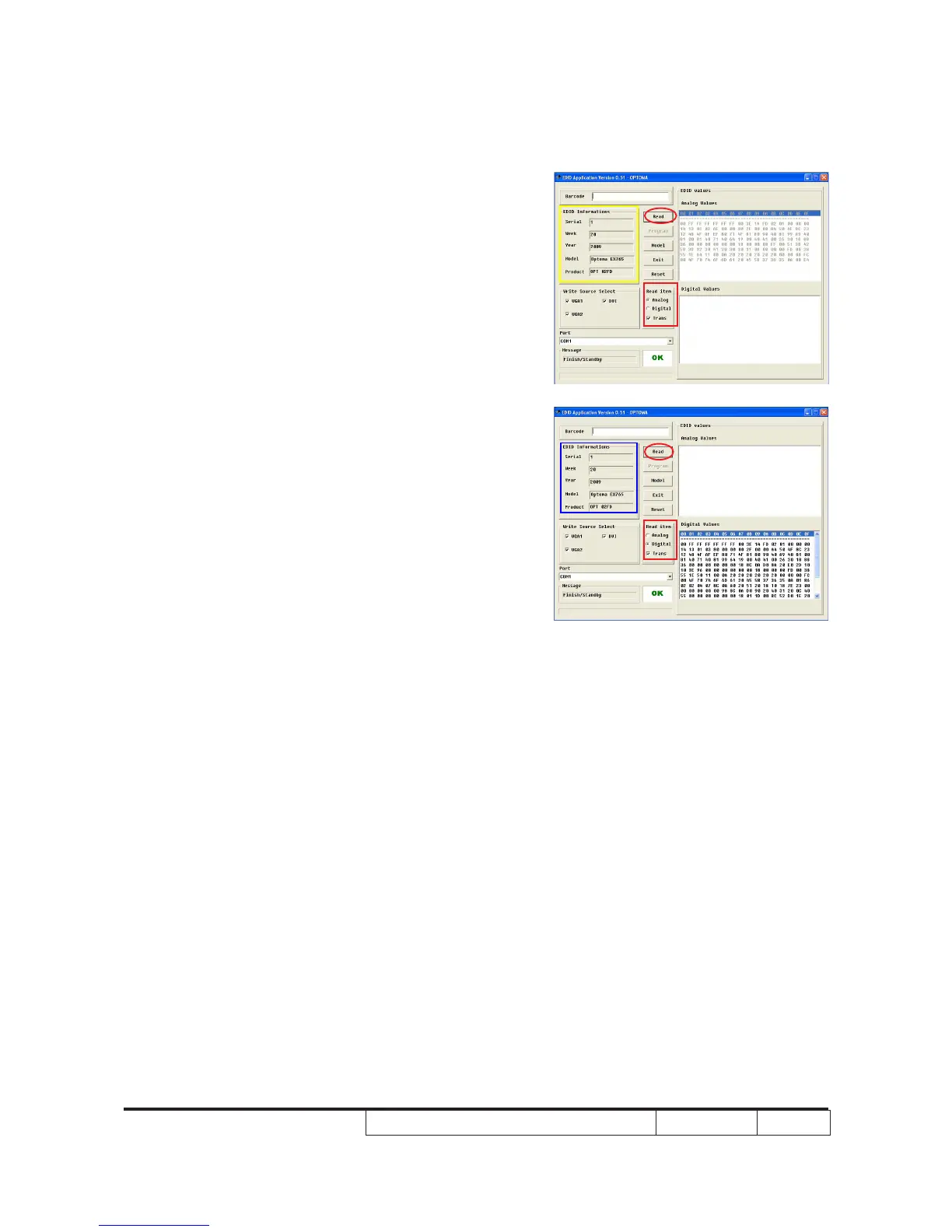
10. Read EDID information for VGA
- In the Read item, select “Analog” and
“Trans”.
- Click “Read” button.
- EDID Informations will be shown(as
yellow square)
.
11. Read EDID information for DVI
- In the Read item, select “Digital” and
“Trans”.
- Click “Read” button.
- EDID Informations will be shown(as
blue square)
.
Note: Both VGA1 and VGA2 need to read.



 To Next Page