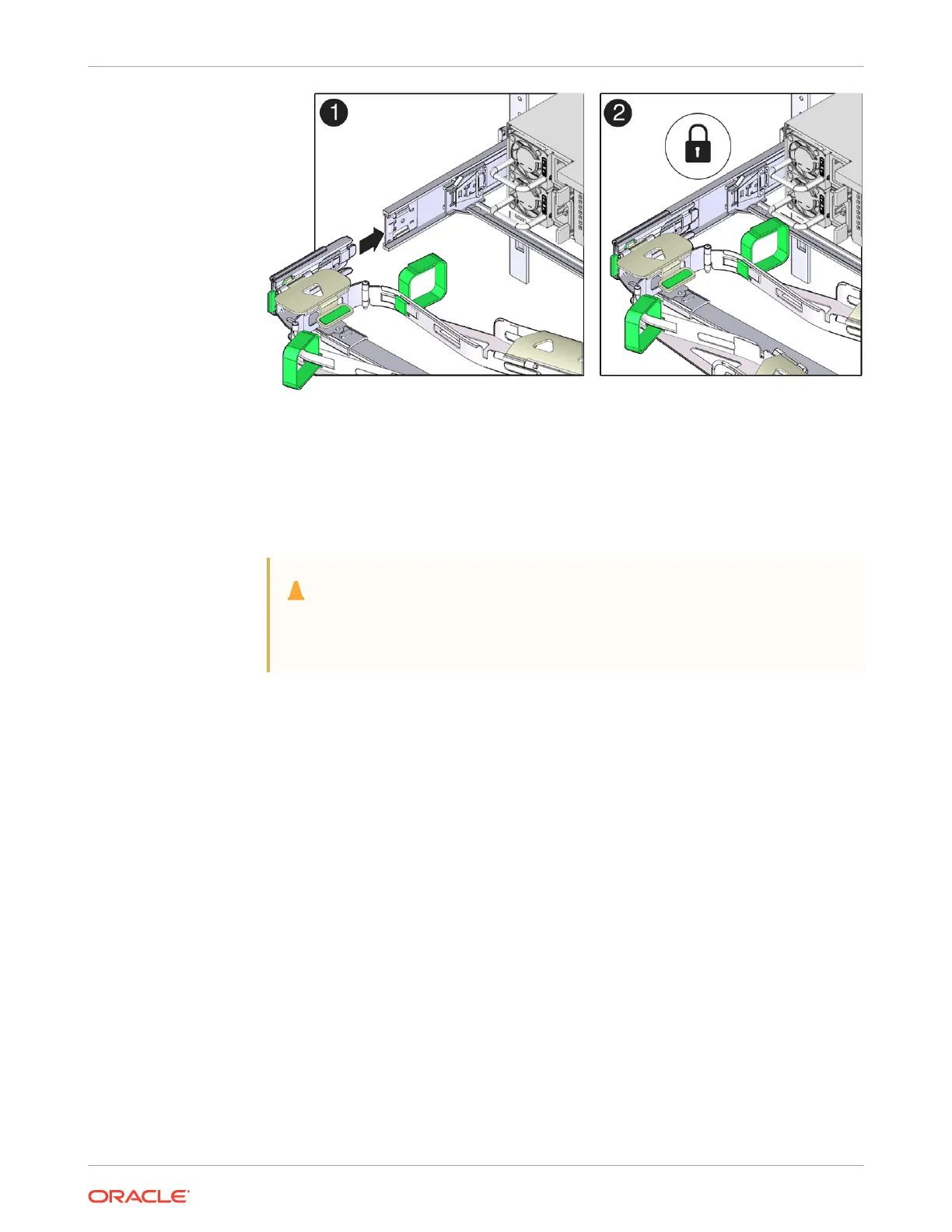
7. Gently tug on the four CMA connection points to ensure that the CMA connectors are fully
seated before you allow the CMA to hang by its own weight.
8. To verify that the slide rails and the CMA are operating properly before routing cables
through the CMA:
a. Ensure that the rack anti-tilt bar is extended to prevent the rack from tipping forward
when the server is extended.
Caution:
To reduce the risk of personal injury, stabilize the rack cabinet and extend the
anti-tilt bar before extending the server from the rack.
b. Slowly pull the server out of the rack until the slide rails reach their stops.
c. Inspect the attached cables for any binding or kinks.
d. Verify that the CMA extends fully with the slide rails.
Chapter 4
Replacing the Cable Management Arm
4-25















 To Next Page