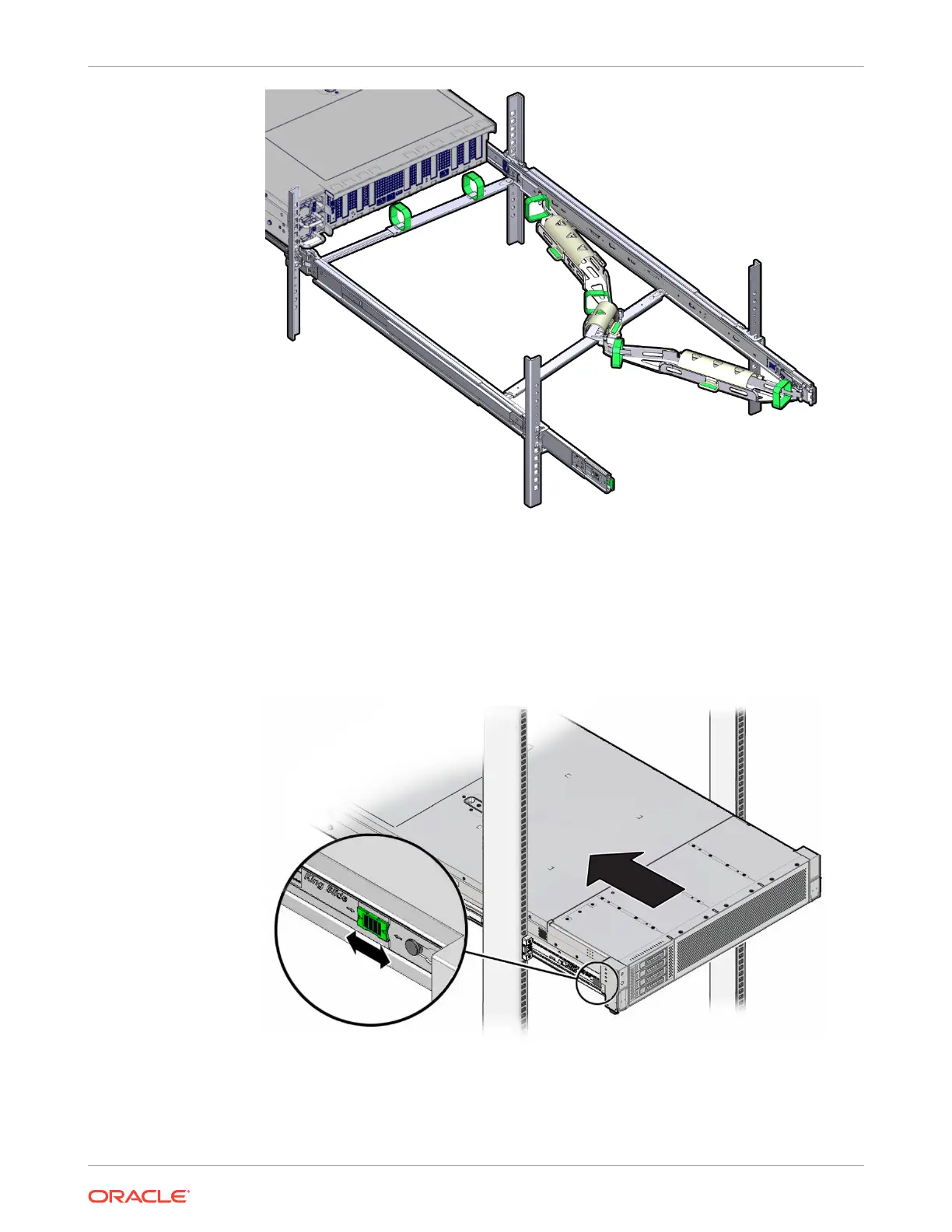
9. To return the server to the rack:
a. Simultaneously pull and hold the two green release tabs (one on each side of the
server) toward the front of the server while you push the server into the rack. As you
push the server into the rack, verify that the CMA retracts without binding.
b. To pull the green release tabs, place your finger in the center of each tab, not on the
end, and apply pressure as you pull the tab toward the front of the server.
c. Continue pushing the server into the rack until the slide rail locks (on the front of the
server) engage the slide rail assemblies.
Chapter 4
Replacing the Cable Management Arm
4-26















 To Next Page