© Orbotech 2005 Symbion™ Programmer Guide 67
Draft - Confidential
T
he TBA Setup Tool comprises the Inspection Graphic and a Tab for each
Inspection Method.
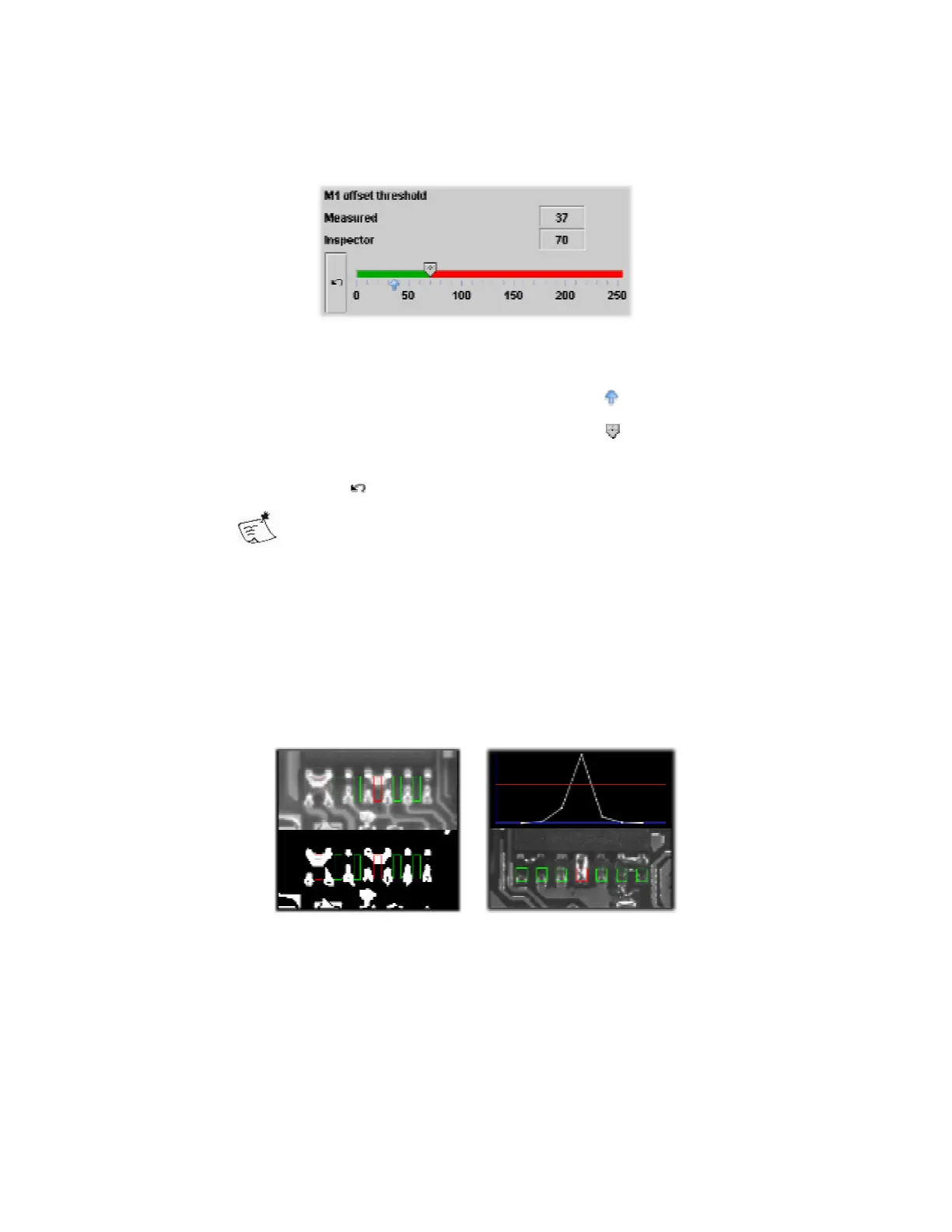
Within each Tab, the Inspection thresholds are represented by a slider.
Each slider displays;
The name of Threshold, in this example ‘M1 offset threshold’
The Measured value, this is represented by the marker
The Inspector setting, this is represented by the marker
The slider is colored for good and bad values.
An undo button which resets the slider to the start position
The slider is reset to the position it was in when the setup tool
was opened.
The effects of moving the slider will be shown interactively in the Inspection
Graphic.
The Graphic shows;
The image used in this Inspection Method
The area(s) analyzed which are drawn good and bad accordingly
Some inspections will show a binarized image
Some inspections will show a chart
Once appropriate Inspection settings have been found the Setup Tool can
verify the settings.
The verification is carried out against stored examples of good and bad
components in the Image Library.



 To Next Page