68 Symbion™ Programmer Guide © Orbotech 2005
Draft - Confidential
T
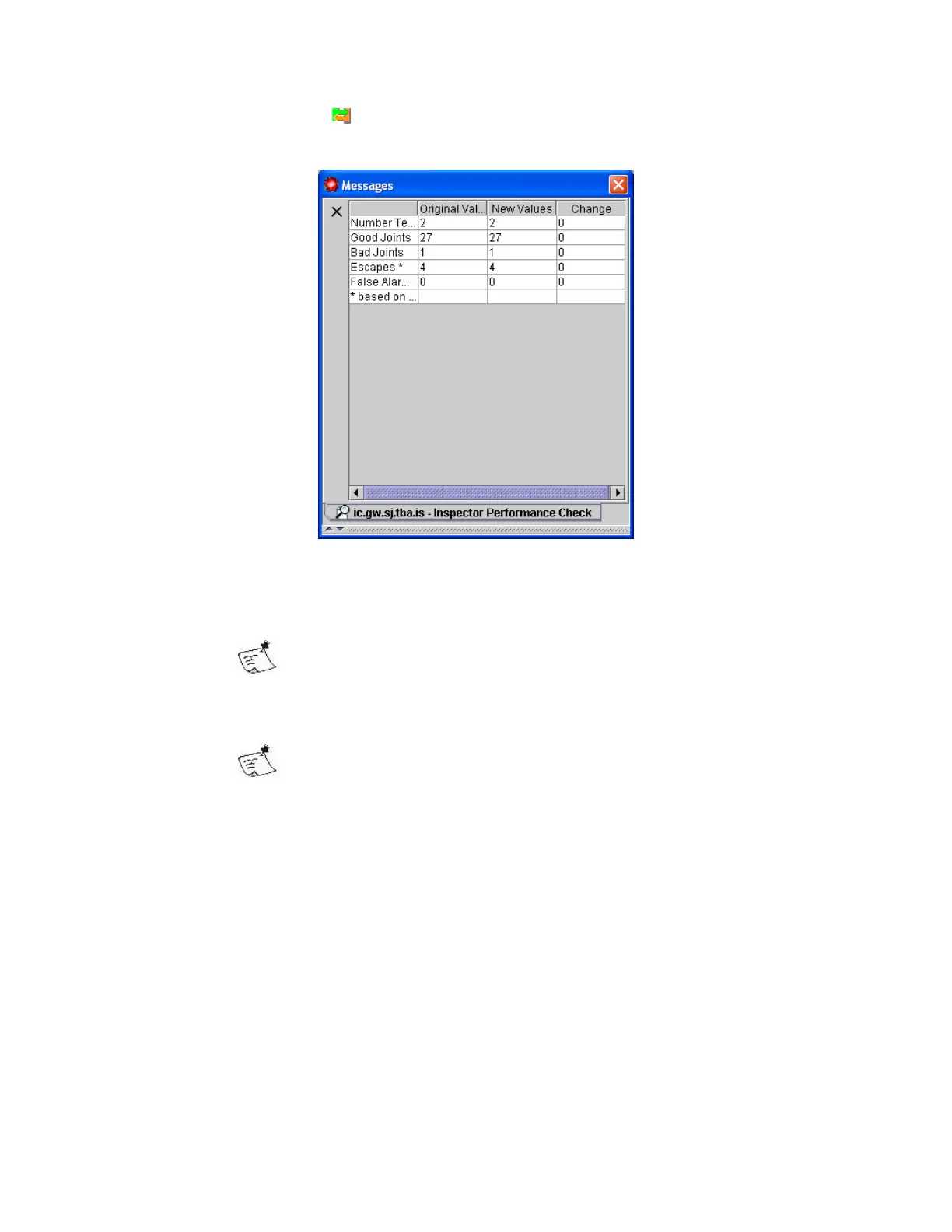
he Toolbar button
will trigger a check of these settings. The results are
displayed in the messages panel.
The Performance Check shows the following performance measurements;
The Number Tested the number of images used in the comparison
The more images tested the more reliable the analysis can be
expected to be
The number of Good Joints with original values and the new settings
Original values refers to the result stored with the images, the
result with the new values is compared to this.
The number of Bad Joints with original values and the new settings
The number of Escapes with original values and the new settings
The number of False Alarms with original values and the new settings
In the Change column the difference between the original, verified result and
the result with the proposed values is shown.



 To Next Page