EasyManua.ls Logo

ORGA L85EX - User Manual

ORGA L85EX
72 pages
Print Icon
To Next Page IconTo Next Page
Loading...
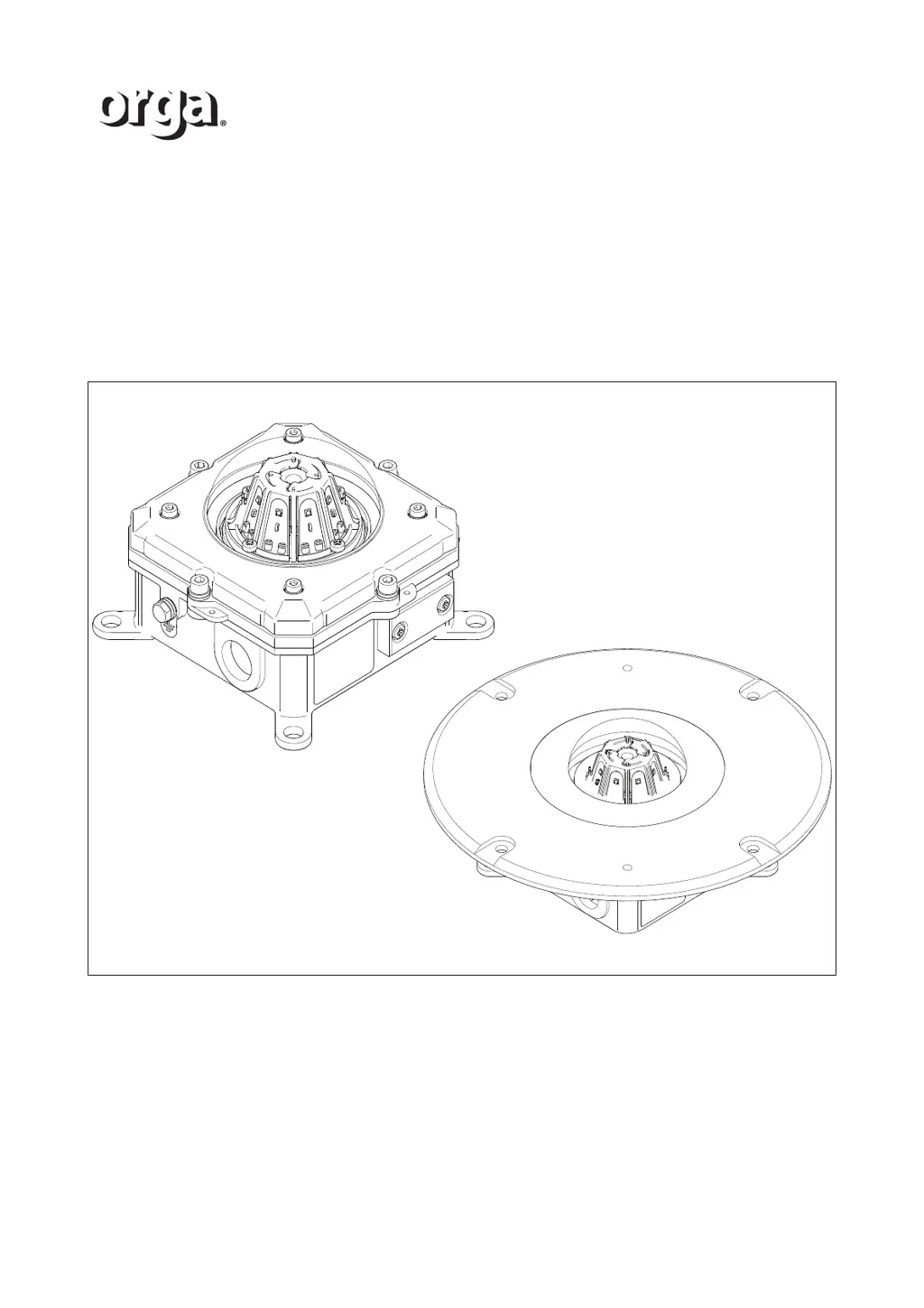
L85EX Lighting fixture
Installation and maintenance manual
Perimeter light
Aeronautical Obstruction light
/i
ORGA BV
Strickledeweg 13
3125 AT SCHIEDAM
The Netherlands
T +31 (0) 10 208 5555
E info@Orga.nl
I www.orga.nl

Table of Contents

Questions and Answers

  • K
    Krista SmithAug 11, 2025
    What to do if my ORGA Light Fixture is off?
    • M
      michael29Aug 11, 2025
      If your ORGA Light Fixture is off, there might be several reasons. First, ensure the power supply to the control panel is energized and check for any alarm messages on the control panel. Also, examine the power supply cable on both ends. Another potential cause is a bad connection or a wire breakage in the wiring; in this case, check the internal connections. If none of these steps resolve the issue, the LED(s) may be defective.
  • C
    Chelsea JohnsonAug 22, 2025
    How to check the power supply of the ORGA L85EX Light Fixture?
    • O
      Olivia WelchAug 22, 2025
      To check the power supply of your ORGA Light Fixture, ensure that the power supply to the control panel is energized. Look for any alarm messages displayed on the control panel. Also, verify the power supply cable connections on both ends to rule out any power failure issues.
  • B
    Brett VelazquezSep 1, 2025
    Why is my ORGA Light Fixture not working?
    • K
      Kimberly ThomasSep 1, 2025
      Your ORGA Light Fixture might not be working due to a failure at the power supply, a bad connection in the wiring, a power failure, defective LEDs, or a wire breakage. Check the power supply to the control panel, internal connections and the power supply cable. If the problem persists, the LEDs may be defective.

ORGA L85EX Specifications

General IconGeneral
BrandORGA
ModelL85EX
CategoryLight Fixture
LanguageEnglish