Operation
52 900-0009-01-00 Rev C
Auto ReStart (Advanced Menu)
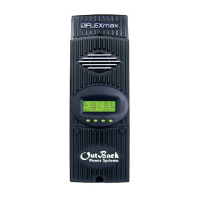
This setting allows the user to choose between continuous maximum power point (MPP) tracking, or
occasional restarts of the sweeping process. A restart means the controller abandons the existing
maximum power point value it was using and “re-sweeps”, or begins gathering new power point data.
(See page 95 for more information on MPP tracking.)
Auto ReStart has three options available:
Mode 0
– Initial sweep only and then continuous MPP tracking.
Auto ReStart
is disabled. The FLEXmax will
continously track the maximum power point without starting over.
Mode 1
– Automatic re-sweep every 90 minutes if controller is in an MPPT mode (
MPPT Float
,
MPPT
Bulk
, etc). This will not reset any counters, charging stages, or statistics.
Mode 2
– Automatic re-sweep every 90 minutes if controller is in any charging mode. This will not reset any
counters, charging stages, or statistics.
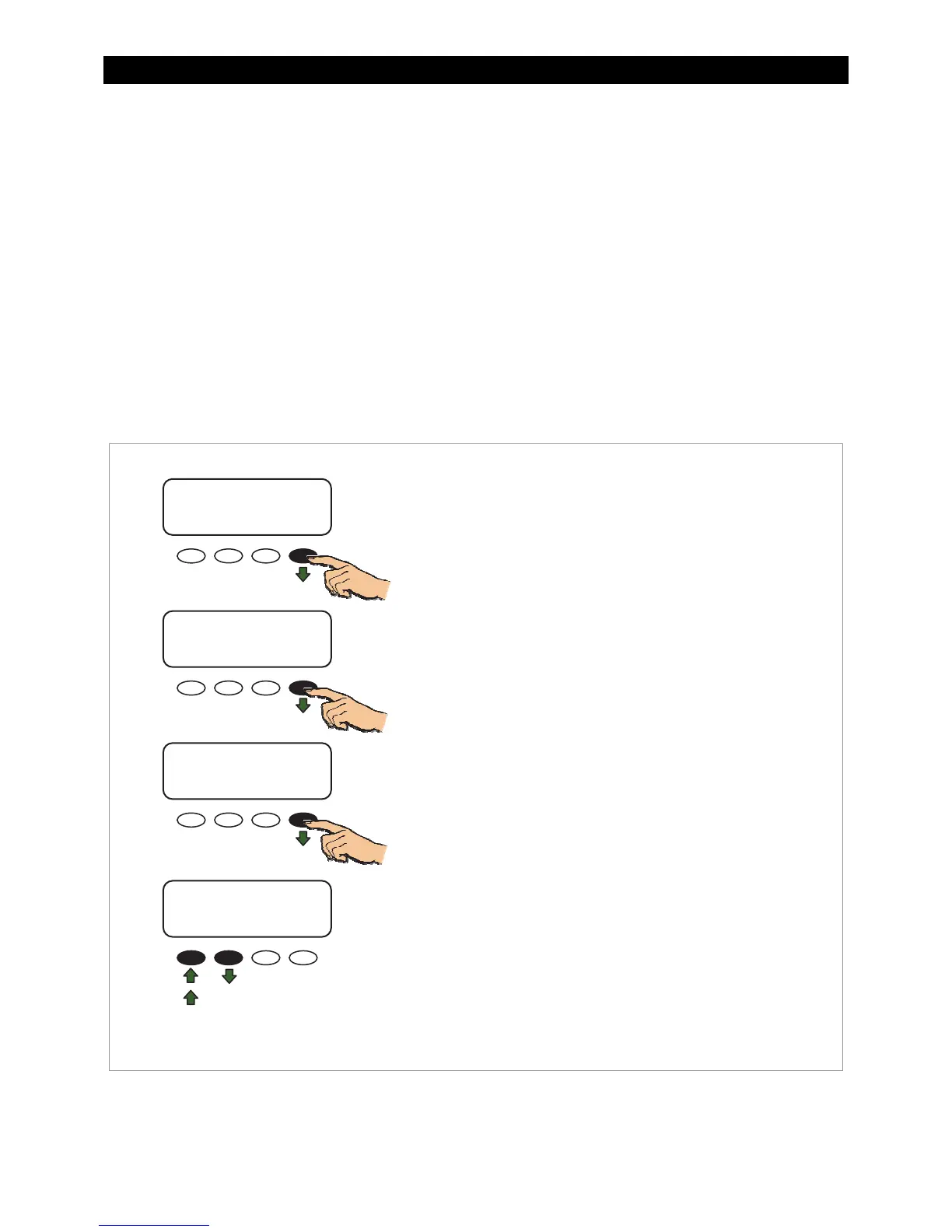
Figure 45 Auto ReStart
ADVANCED MENU
Auto ReStart
MODE 0
EXIT NEXT MODE
Auto ReStart Screen To select an Auto ReStart mode:
1. Navigate to the Auto ReStart screen through the
ADVANCED MENU as instructed in Figure 35.
2. Press <MODE> to switch between the three Auto
ReStart modes: MODE 0 (default), MODE1, and
MODE2.
ADVANCED MENU
Auto ReStart
Mode 0
EXIT NEXT MODE
ADVANCED MENU
Auto ReStart
MODE 1
EXIT NEXT MODE
ADVANCED MENU
Auto ReStart
MODE 2
EXIT NEXT MODE
To Exit:
Press <NEXT> to advance to the Aux Polarity screen.
Press <EXIT> once to return to the main menu.
Press <EXIT> twice to return to the status screen.


 To Next Page