MATE/MATE2 Screens
900-0009-01-00 Rev C 79
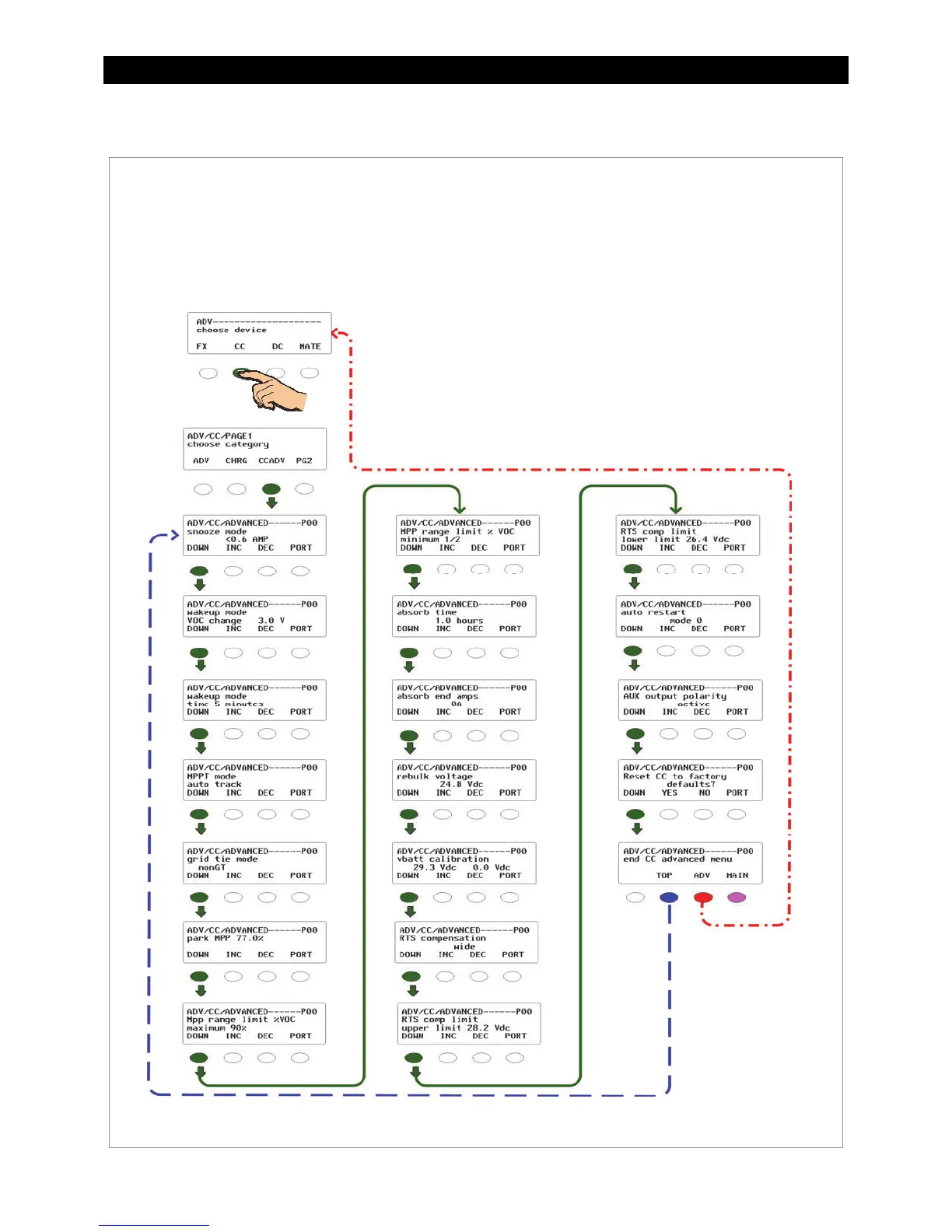
CC ADVANCED Menu
Figure 88 ADV Menu for the Advanced Charging Features
Navigation for ADV/CC/ADVANCED
<DOWN> moves to the next menu item in the diagram.
<INC> increases the value of the selection.
<DEC> decreases the value of the selection.
<PORT> directs the MATE to the next device (port) on the HUB.
<TOP> returns to the CC/ADVANCED screen.
<ADV> returns to the CC/PAGE1 screen.
<MAIN> exits the Advanced menus and returns to the main menu
(see page 77).
CC/Advanced
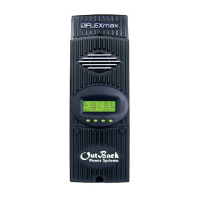
The ADVANCED screens adjust the same settings that are available on the Advanced screen in the
FLEXmax (see page 46). These settings relate to charging, MPPT, temperature compensation, and
calibration.


 To Next Page