11
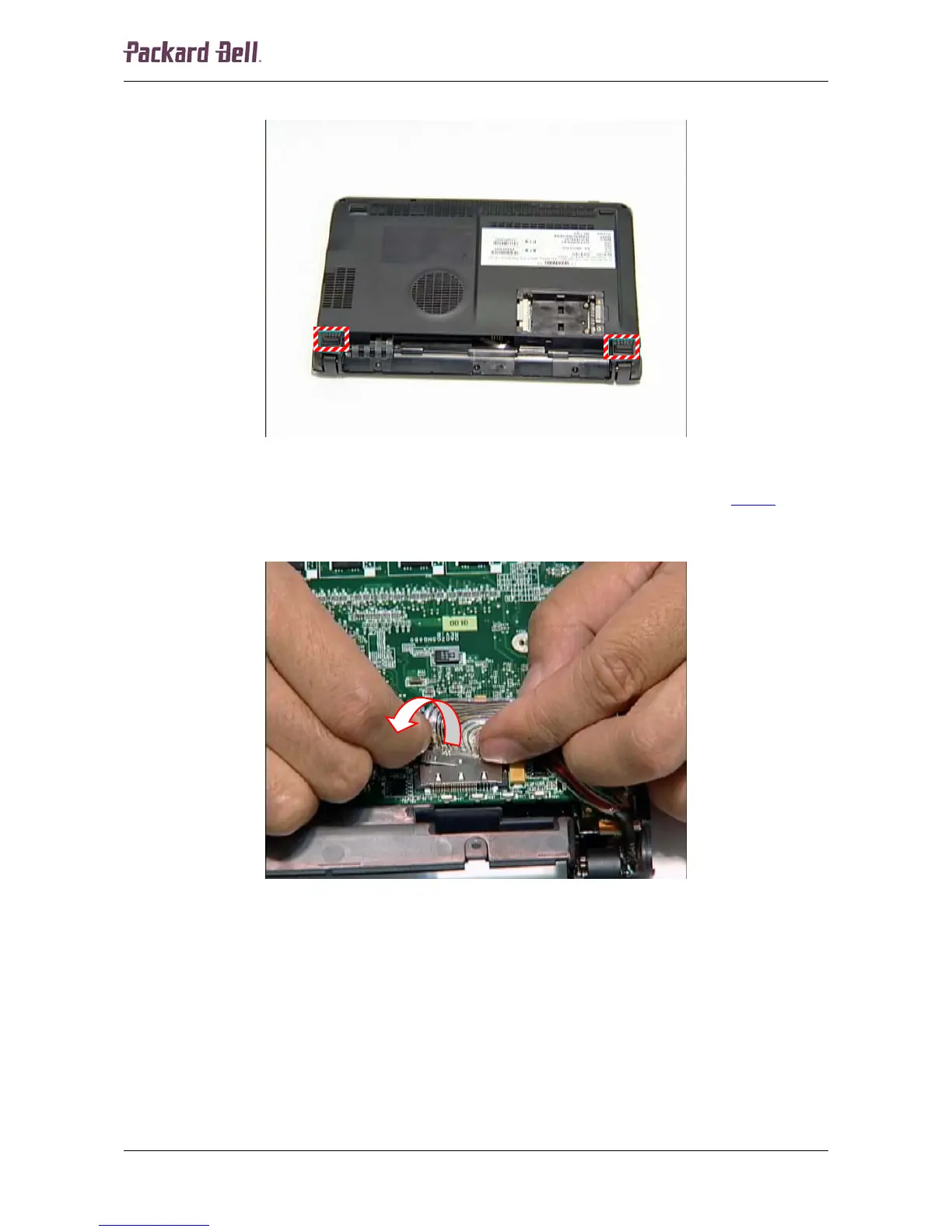
2. Remove the two rubber footpads.
Fig. 15 Removing the foot pads.
3. Remove the screws that became accessible after removing the footpads (see Fig 15
).
4. Turn the notebook over so the top is facing up.
5. Disconnect the LCD cable from the main board.
Fig. 16 Disconnecting the LCD cable.
Packard Bell dot Disassembly Manual













 To Next Page