Basic
Items Default Notes
Network Connection Mode Automatic Setup –
Allow Access from the Internet
(Automatic Setup only)
No –
Network Configuration from Setup
Program (Static/DHCP only)
Enable –
Port No.
(Static/DHCP only)
80 20, 21, 25 and 110 are
not available
IP address
(Static only)
192.168.0.253 –
Subnet Mask
(Static only)
255.255.255.0 –
Host Name
(DHCP only)
(Blank) 0–63 characters
Default Gateway (Static/DHCP
only)
(Blank) –
DNS Server 1
DNS Server 2
(Static/DHCP only)
(Blank) –
Max. Bandwidth Usage (Mbps) Unlimited –
Connection Type Auto Negotiation –
Wireless (BL-C131A on-
ly)
Communication Mode 802.11 b/g –
Channel Auto –
SSID xxCONFIRM –
xxSpeed xxAuto –
Encryption No encryption –
UPnP™ Auto Port Forwarding Disable –
Display Shortcut Icon in My Net-
work Places
Enable –
Viewnetcam.com Enable No check –
Operating Instructions 149
13.4 Default Setting List


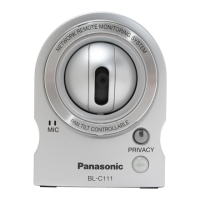
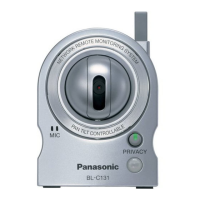
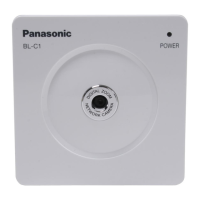


 To Next Page


