- 115 -- 115 -
6. Special Video Recording - [Focus Transition]
4 Start recording.
●
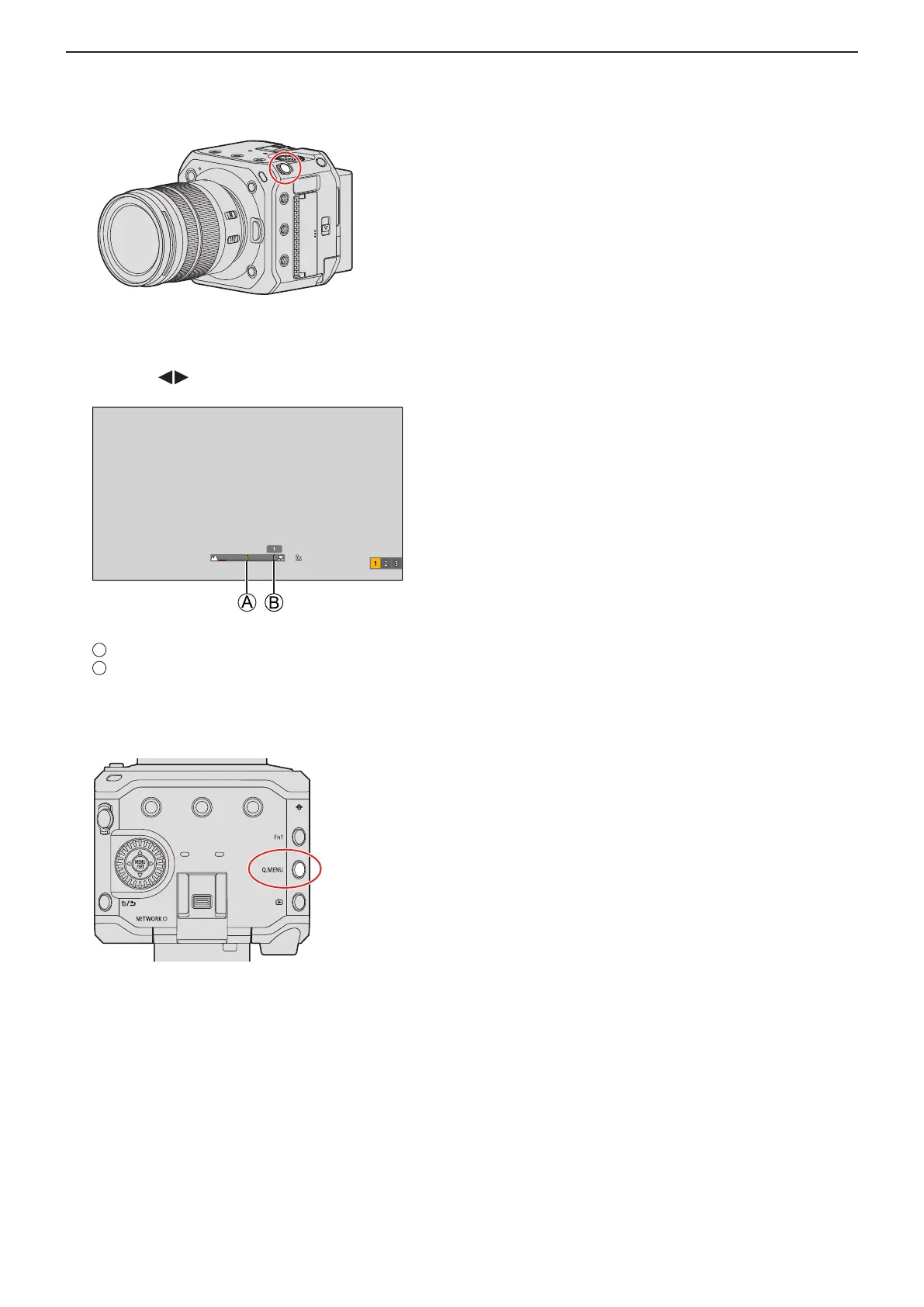
Press the video rec. button.
●
If you have enabled [Focus Transition Rec], Focus Transition will start when you start recording a video.
5 Start Focus Transition.
●
Press to select [1], [2], or [3], and then press [MENU/SET].
●
When [Focus Transition Wait] is set, Focus Transition starts after the set time has elapsed.
Current focus position
Registered focus position
6 End Focus Transition.
●
Press [Q.MENU].
7 Stop recording.
●
Press the video rec. button once again.













 To Next Page