2. Preparation
19
For assistance, please contact an authorized Panasonic dealer.
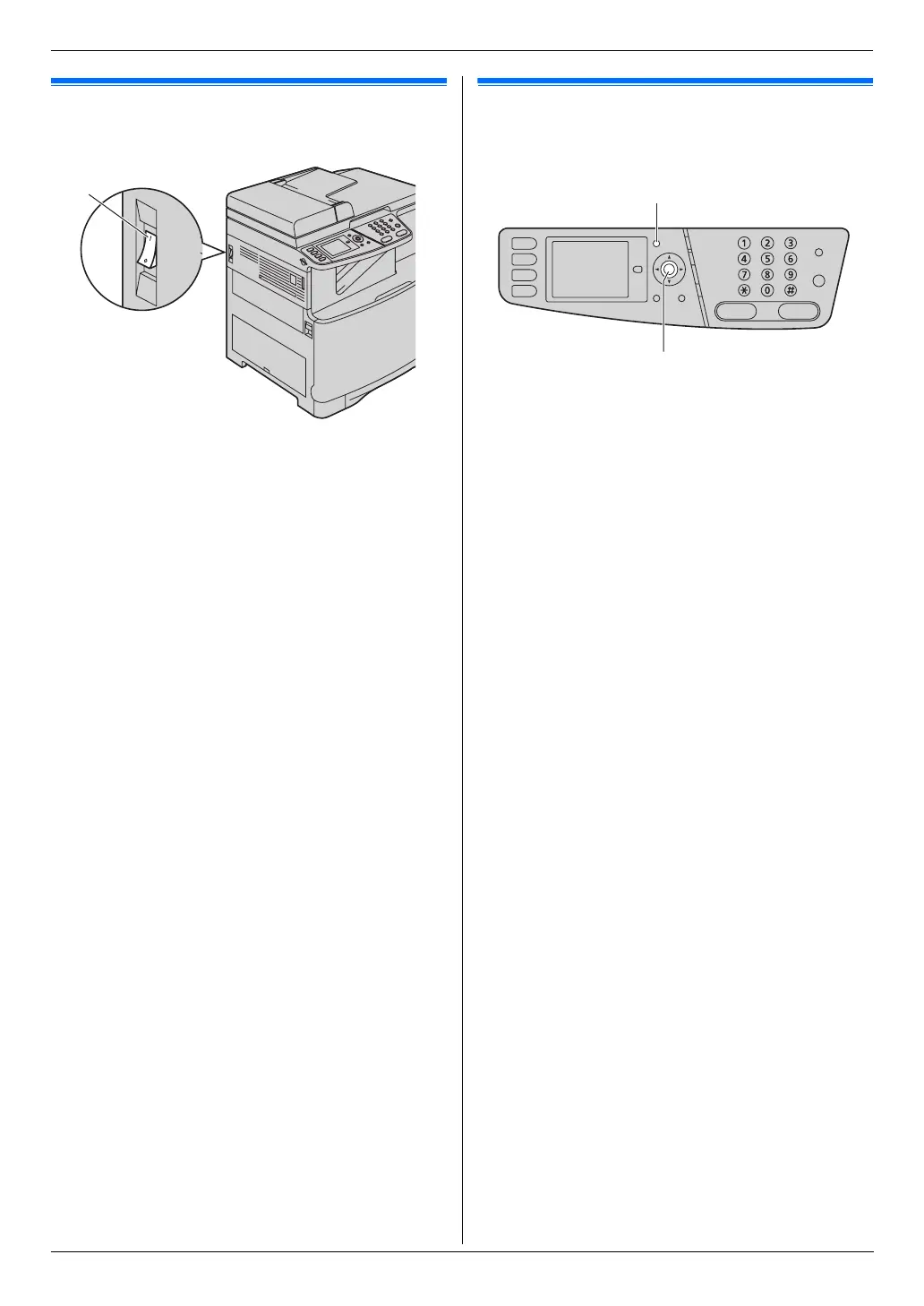
2.2 Turning the power switch ON
Turn the power switch to the ON position (1).
2.3 Dialing mode
If you cannot dial (page 45), change this setting
according to your telephone line service.
1 {Menu}
2 Press {#}{1}{2}{0} to display “Dialing Mode”.
3 Press {1} or {2} to select the desired setting.
{1} “Pulse”: For rotary/pulse dial service.
{2} “Tone” (default): For tone dial service.
4 {Set}
5 Press {Menu} to exit.
1
{Set}
{Menu}












 To Next Page