6. Fax
55
6.11 Receiving a fax on your
computer
You can receive a fax document on your computer. The
received fax document is saved as an image file (TIFF-
G4 format).
To receive a fax document using your computer, make
sure the following features are set beforehand.
– PC fax reception (feature #442 on page 65)
– Computer setting for the PC fax reception (feature
#443 on page 24)
L Make sure the fax preview mode is turned OFF
beforehand (feature #448 on page 65).
1 Press {Fax Auto Answer} repeatedly to turn the
auto answer setting ON (page 50).
2 Start Multi-Function Station. i [PC FAX]
3 When a fax call is received, your computer will
receive a document through the unit.
Note:
L You can view, print or transfer the received document
using your computer.
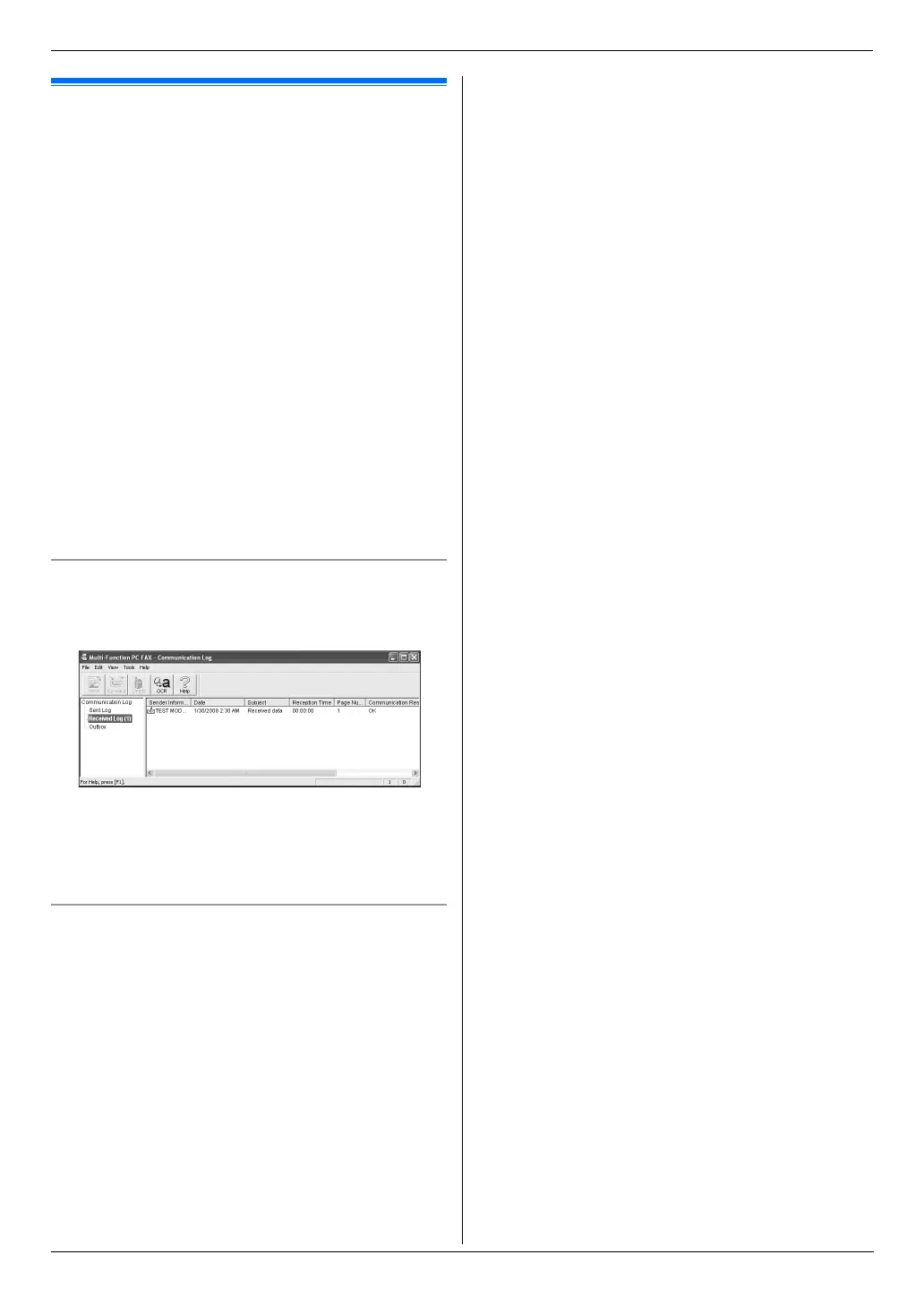
Viewing a received document
1. Select [PC FAX] from Multi-Function Station.
2. Select [Received Log] in [Communication Log].
3. Click the item you want to view.
4. Click [File] in the menu bar, then select [View], or
click the [View] icon in the toolbar.
L The received fax will be displayed.
If a received fax document is stored in the unit’s
memory
You can load the document into your computer.
1. Select [PC FAX] from Multi-Function Station.
2. Select [Received Log] in [Communication Log].
3. Click [File] in the menu bar. i [Receive a Fax]
L If feature #442 is activated, the received fax
document will be automatically transferred to the
computer.












 To Next Page