2. Preparation
22
For assistance, please contact an authorized Panasonic dealer.
Volu me
2.6 Adjusting the volume
Important:
L Before adjusting the volume, set the operation
mode to fax mode. If the {Fax} light is OFF, turn it
ON by pressing {Fax}.
Ringer volume
1. Press {V} or {^} repeatedly to select “Ringer
Volume”.
2. Press {<} or {>}.
To turn the ringer OFF
1. Press {V} or {^} repeatedly to select “Ringer
Volume”.
2. Press {<} repeatedly to display “Ringer Off” in
the status bar.
L The unit will not ring.
L To turn the ringer back ON, press {>}.
Monitor volume
1. While using the monitor, press {V} or {^}
repeatedly to select “Monitor Volume”.
2. Press {<} or {>}.
Initial Programming
2.7 Date and time
1 {Menu} i {#}{1}{0}{1} i {Set}
2 Enter the current month/date/year/hour/minute.
Example: August 10, 2008 10:15 PM (12 hour
clock format)
1. Press {V} or {^} repeatedly to select “Date”.
i {<}/{>}
2. Press {0}{8} {1}{0} {2}{0}{0}{8}.
M:08/D:10/Y:2008
3. {Set}
4. Press {V} or {^} repeatedly to select “Time”.
i {<}/{>}
5. Press {1}{0} {1}{5}, then press {V} or {^}
repeatedly to select “PM”.
10:15PM
6. {Set}
3 Press {Menu} to exit.
Note:
L The other party’s fax machine will print the date and
time on the top of each page you send according to
your unit’s date and time setting.
To correct a mistake
Press {<} or {>} to move the cursor to the incorrect
number, and make the correction.
If you have subscribed to a Caller ID service
The date and time will be automatically set according to
the received caller information.
L If the time has not previously been set, Caller ID will
not adjust the clock.
L You can turn this feature OFF (feature #226 on page
61).
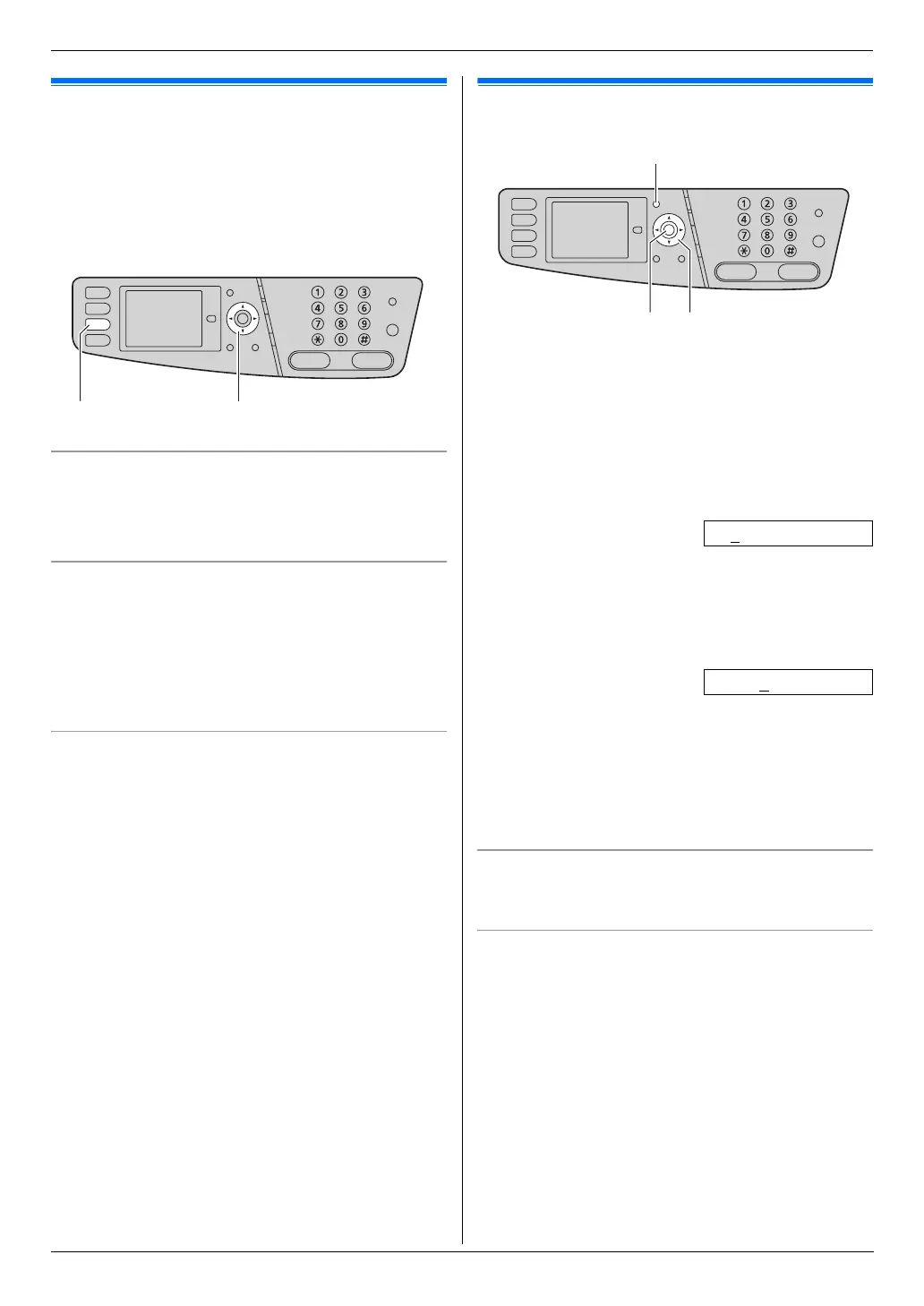
{Fax} {V}{^}{<}{>}
{Menu}
{Set} {V}{^}{<}{>}












 To Next Page