28
AC Adapter Installation
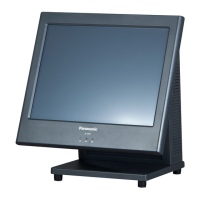
(JS-970WP series)
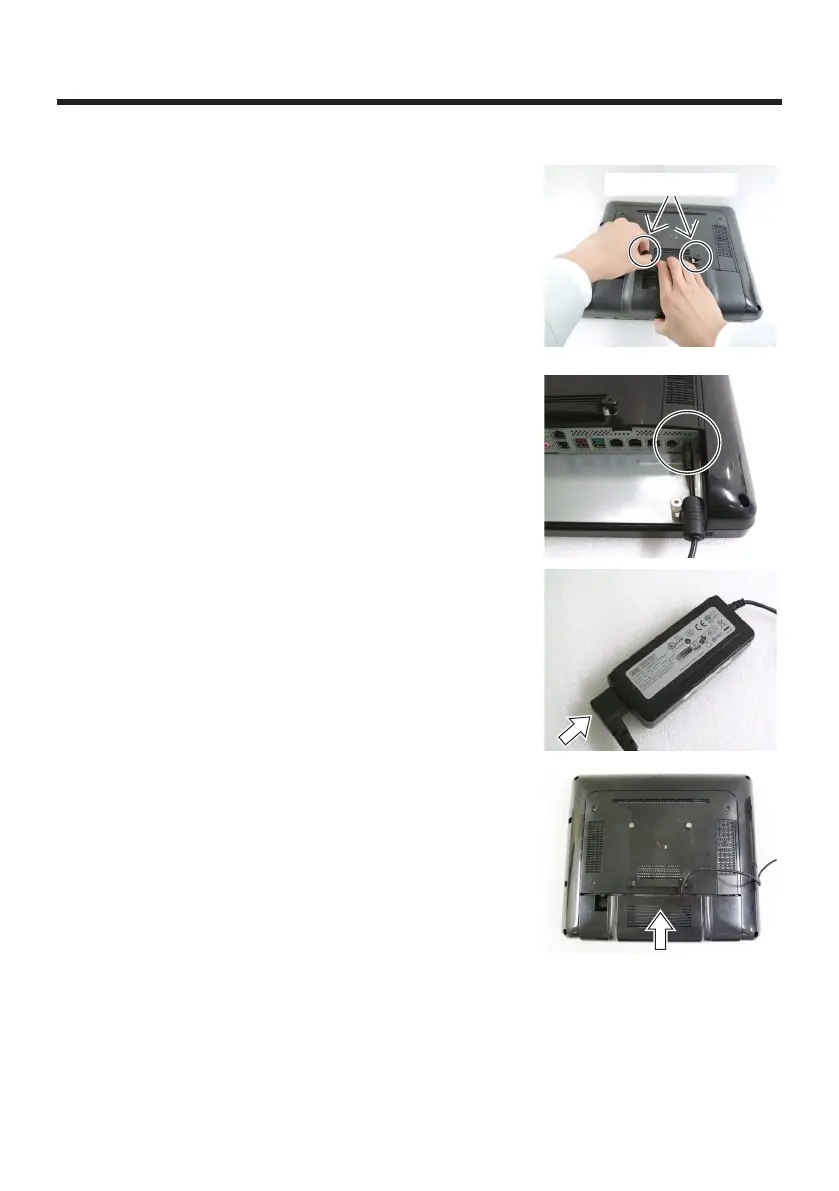
1
Pick up thumbscrews, and while pressing the center
of the cable cover, slide it toward you to remove.
●
Perform the work on a flat surface.
●
Place a non-slip mat on the surface to make the
work easier.
●
Remove the cable cover while picking up each
thumbscrew.
●
Do not pull the cable cover forcefully. It can cause
damage of the cable cover.
Thumbscrews
2
Connect the DC output connector of the AC adapter
to the DC input connector.
●
Push the AC cord connector all the way into the
AC IN side of the AC adapter to connect it.
3
Housing the connected cables in the cable cover,
slide the cable cover in the direction parallel to the
display and install it.
●
Push firmly on the cable cover until it clicks into
place.


 To Next Page
 Loading...