Connections and Setup
19
For fax advantage assistance, call 1-800-435-7329.
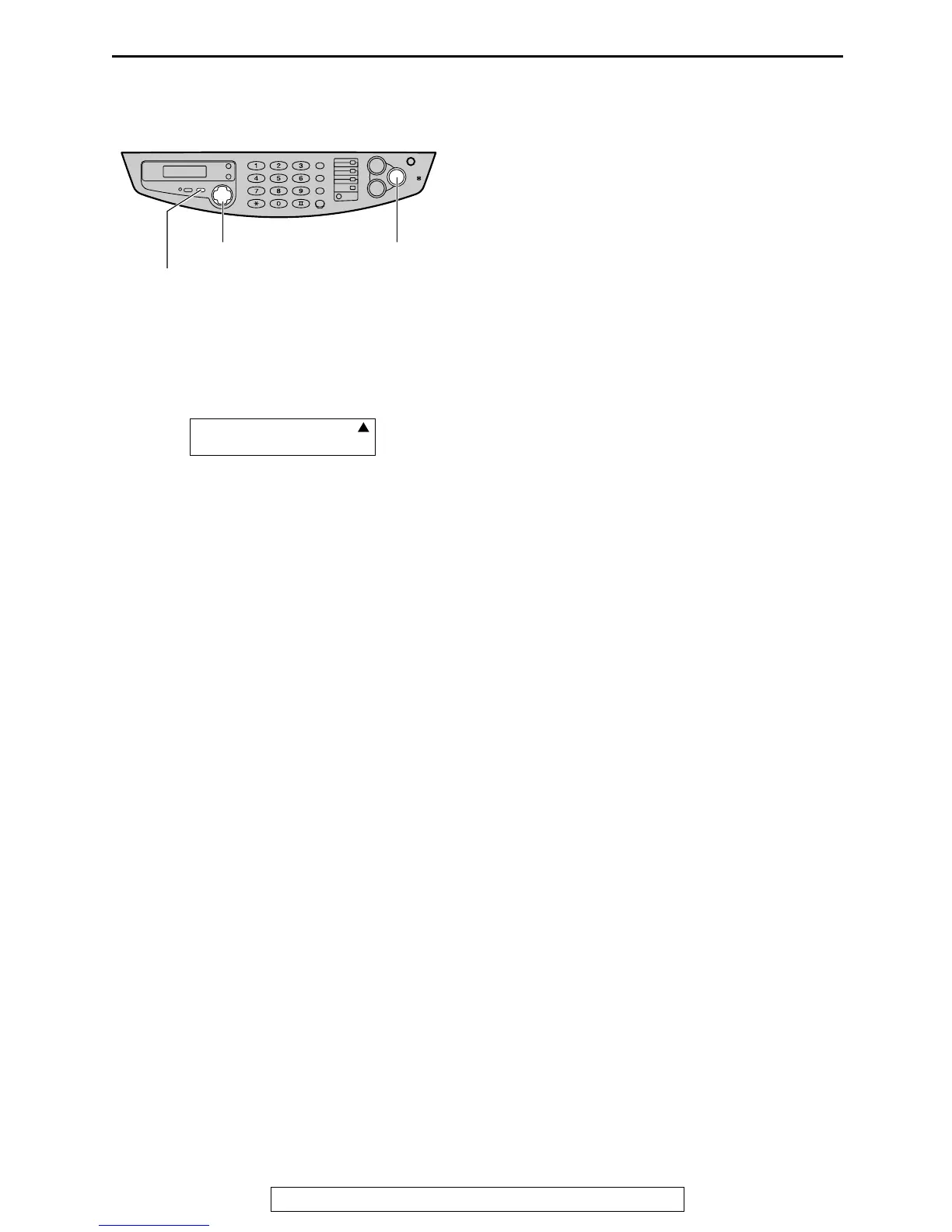
How to set up
1
Set the fax machine to FAX ONLY mode by
pressing {
{{
{
RECEIVE MODE
}
}}
} until the
following is displayed.
L The display will show the number of
rings before the fax machine answers a
call in FAX ONLY mode.
2
Press {
{{
{+
++
+}
}}
} or {
{{
{-
--
-}
}}
} to change the ring
setting to 2 and press {
{{
{
SET
}
}}
}.
How to receive calls
Just leave it. When the other party sends a fax,
the fax machine will receive it automatically.
{SET}











 To Next Page