EasyManua.ls Logo

Panasonic KX-FB421 - Editing a Stored Entry

Panasonic KX-FB421
92 pages
Print Icon
To Next Page IconTo Next Page
To Previous Page IconTo Previous Page
Loading...
Automatic Dialing
34
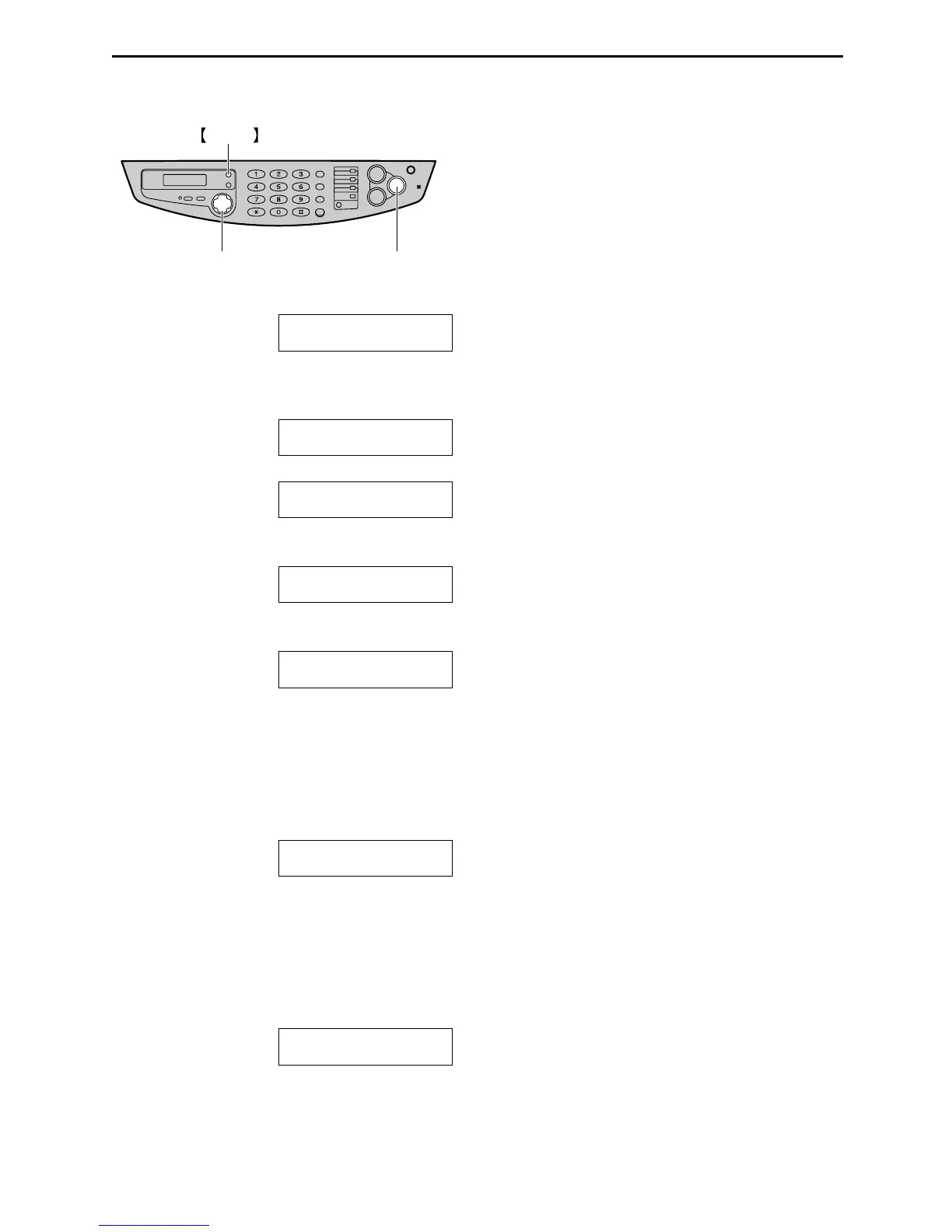
Editing a stored entry
1
Press {
{{
{>
>>
>}
}}
}.
DIRECTORY [+ -]
2
Press {
{{
{+
++
+}
}}
} or {
{{
{-
--
-}
}}
} until the desired entry is
displayed.
Example: Mary
0123456
b
SEND:PRESS SET
EDIT:PRESS MENU
3
Press {
{{
{MENU}
}}
}.
Example: NAME=Mary
EDIT=@ DELETE=#
4
Press {
{{
{*
**
*}
}}
}.
Example: NAME=Mary
STORE:PRESS SET
L If you do not need to edit the name, skip
to step 6.
5
Edit the name (see page 30 and page 33 for
instructions).
6
Press {
{{
{SET}
}}
}.
Example: NO.=0123456
L If you do not need to edit the telephone
number, skip to step 8.
7
Edit the telephone number. For further
details, see page 33.
8
Press {
{{
{SET}
}}
}.
REGISTERED
{SET}
{>} {+} {-}
MENU

Table of Contents

Related product manuals