Jams
73
For fax advantage assistance, call 1-800-435-7329.
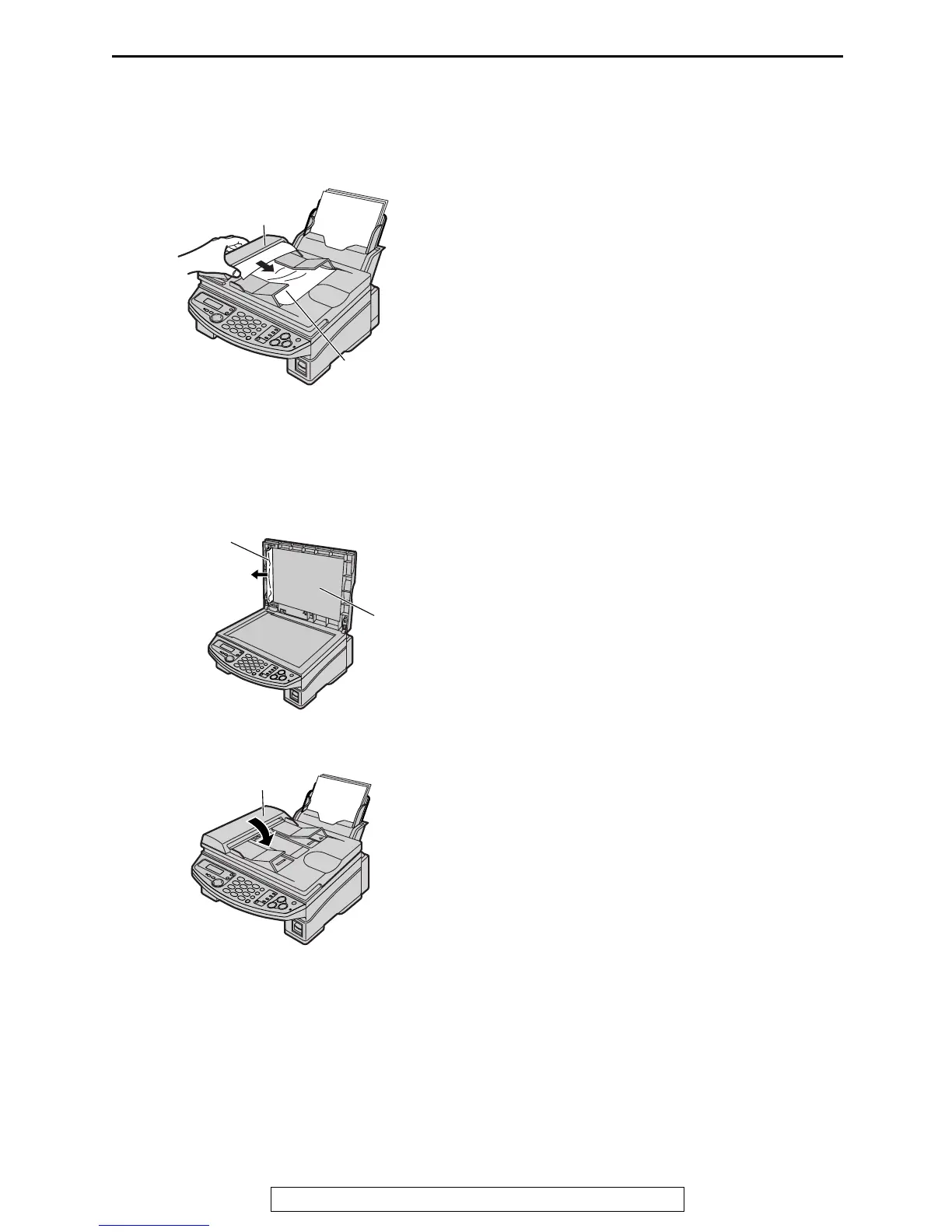
Document jams – sending
1
Lift, and hold open the ADF cover. Remove
the jammed document carefully.
L Do not pull out the jammed document
forcibly before lifting the ADF cover.
L If you cannot remove the jammed
document, open the document cover,
remove the document, then close the
document cover.
2
Close the ADF cover.
Jammed
document
ADF cover
Document
cover
Jammed
document
ADF cover











 To Next Page