Features Summary
59
Programmable Features
Programming
The unit provides various programming features.
General programming method
1
Press {
{{
{MENU}
}}
}.
SYSTEM SET UP
PRESS NAVI.[( )]
2
Select the feature you wish to program.
For basic features (page 60):
Press {
{{
{<
<<
<}
}}
} or {
{{
{>
>>
>}
}}
} until the desired feature
is displayed.
L The current setting of the feature will be
displayed.
For advanced features (page 61):
1. Press {
{{
{<
<<
<}
}}
} or {
{{
{>
>>
>}
}}
} until the following is
displayed:
ADVANCED MODE
PRESS SET
2. Press {
{{
{SET}
}}
}.
3. Press {
{{
{<
<<
<}
}}
} or {
{{
{>
>>
>}
}}
} until the desired
feature is displayed.
L The current setting of the feature will
be displayed.
3
Press {
{{
{+
++
+}
}}
} or {
{{
{-
--
-}
}}
} until the desired setting
is displayed.
L This step may be slightly different
depending on the feature.
4
Press {
{{
{SET}
}}
}.
L The setting you selected is set, and the
next feature will be displayed.
5
To exit programming, press {
{{
{MENU}
}}
}.
Programming by entering the program
code number directly
You can select a feature by directly entering the
program code (# and 2-digit number) instead of
using {
{{
{<
<<
<}
}}
} or {
{{
{>
>>
>}
}}
}.
1. Press {
{{
{MENU}
}}
}.
2. Press {
{{
{#
##
#}
}}
} and the 2-digit code number.
3. Follow steps 3 to 5 on this page.
To cancel programming
Press {
{{
{MENU}
}}
} to exit the program.
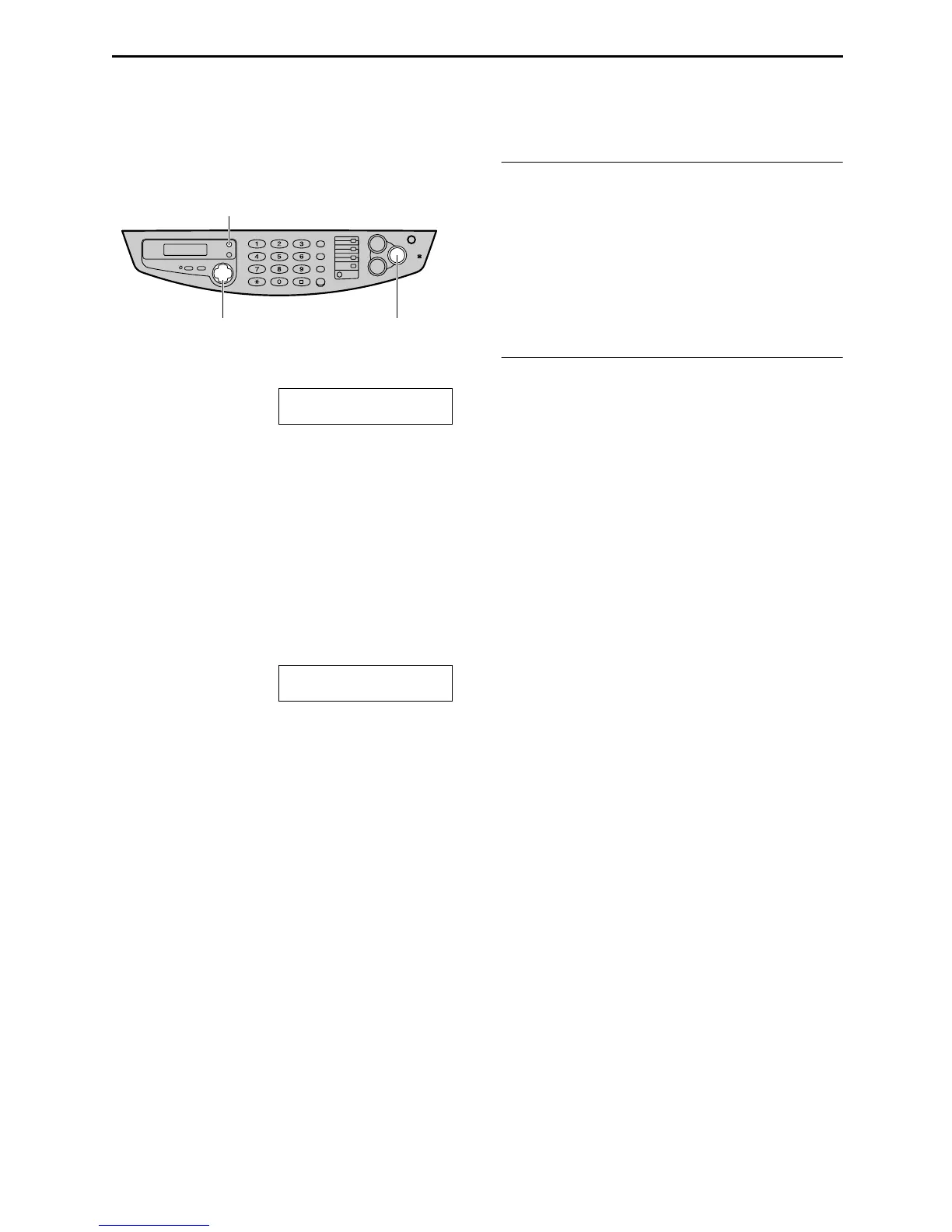
{SET}
{MENU}
{<} {>} {+} {-}











 To Next Page